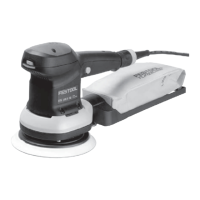
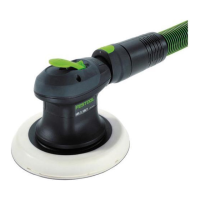
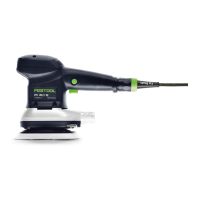
8.4 Replacing the backing pad [8]
CAUTION
Worn backing pad, backing pad revs up
Risk of injury from flying parts
► Check backing pad regularly for wear.
► Change backing pads if necessary.
The backing pad is attached to the power tool
with eight screws.
► To remove the abrasive and interface pad,
see Sections 8.2
and 8.3.
►
Loosen the screws by turning a suitable
screwdriver anticlockwise.
► Remove the backing pad [8-1]
carefully
by gently pulling it. Take care to ensure that
no dirt enters the eccentric housing.
►
Extract dirt particles if necessary.
►
Place new backing pad so that the open
ings in the backing pad match with the
screw threads.
► Insert all eight screws one after the oth
er.
► – Tighten all screws clockwise in a
crosswise sequence and check that they are
securely in place.
English
14


 To Next Page
 Loading...