11
Managing your Recordings
You can share recordings between up to three Fetch boxes in your home with Multiroom, and watch content
recorded on your other boxes from your Mini. You can also manage recordings and Series Tags from your Mini.
Finding your recordings
• Go to Menu > My Stuff > Recordings to find and watch recordings on all connected boxes in your home.
• To watch a recording, select the folder and press
. Then select the episode you want to watch and
press .
• To manage a recording, select the recording and press to navigate the options.
You can protect and delete recordings, set the number of episodes of a Series Tag you want to keep, and set the
priorities of your Series Tags.
3
Using Top Shows
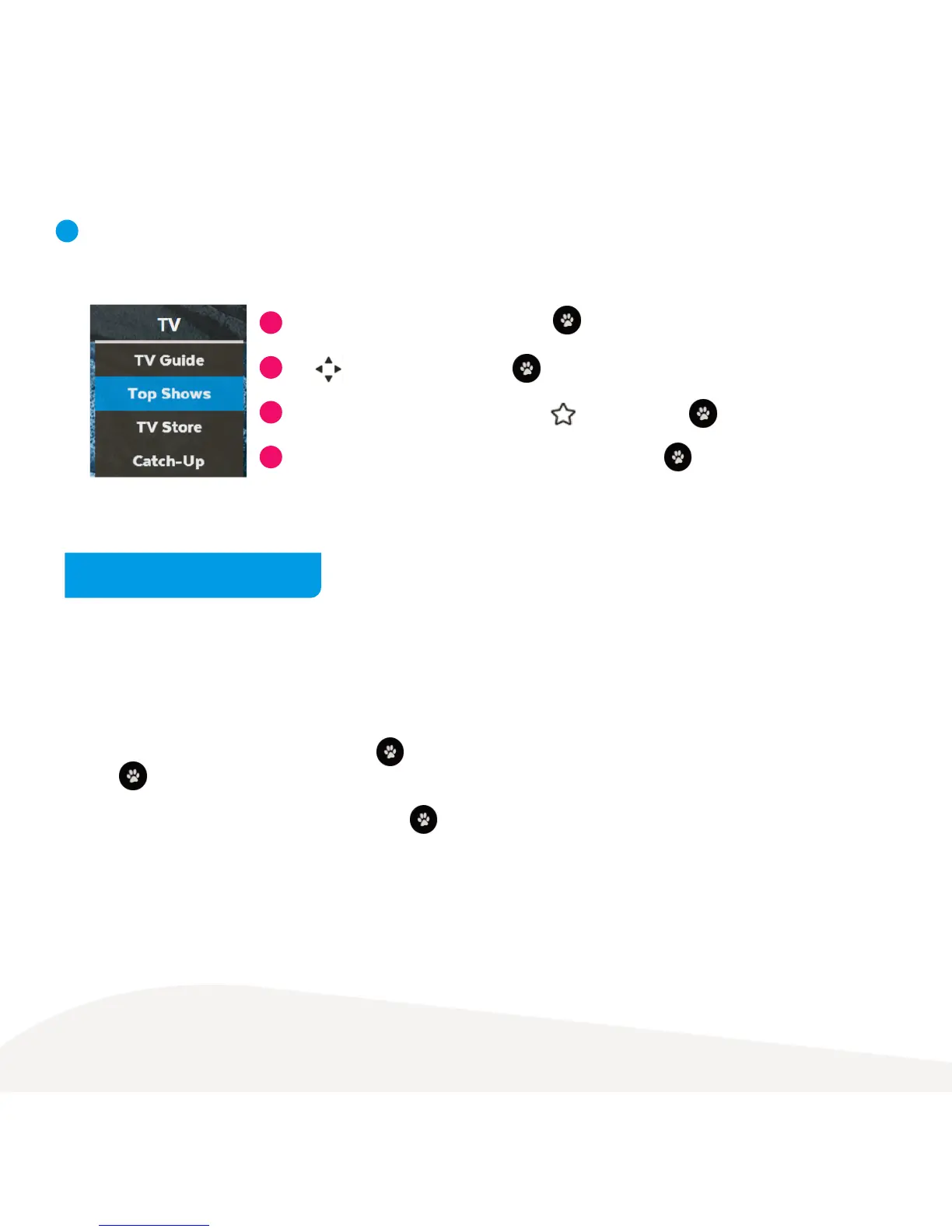
Top Shows is where we make it easy for you to find new and popular shows so you can set a Series Tag to
record every episode. Go to Menu > TV.
Select Top Shows from the menu and press
.
Use to explore shows and press to view the show info and options.
Find the show you want to record, highlight Set Tag and press .
Change the options if you wish, then select Confirm and press
For more information on Recording TV, download the Mighty User Guide.
3
4
1
2



 To Next Page