15
Watching shows from the TV Store
In the TV Store you can buy individual episodes or full seasons of some of the
most popular TV shows. TV shows can’t be rented. When you buy a TV episode
or season you are buying the right to watch it as often as you like on your current
Fetch subscription with your current Fetch Service Provider.
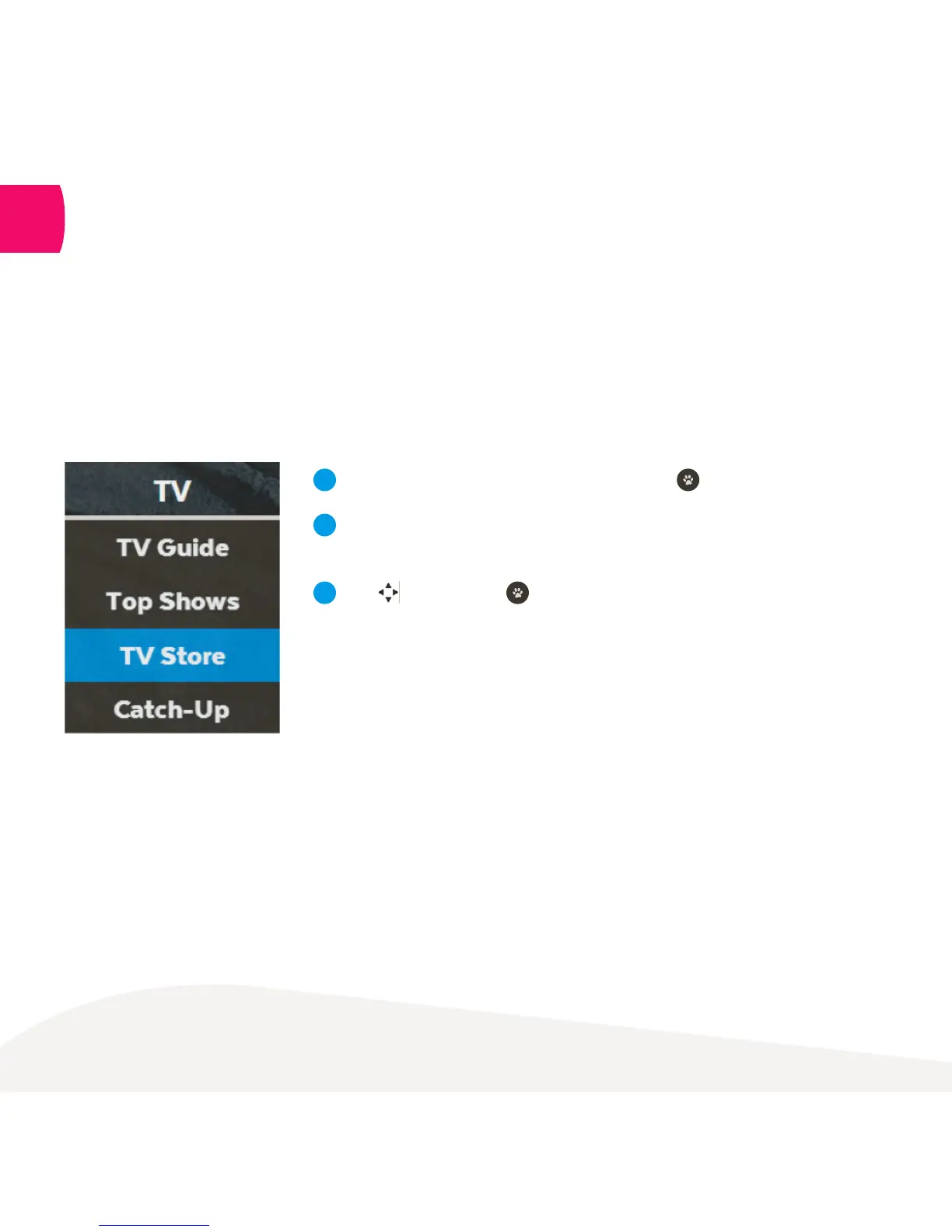
Menu > TV > TV Store
Select TV Store from TV on the main menu and press .
Select a TV show. The show names and number of seasons and
episodes available are shown.
Use to navigate and to make a selection.
The latest season of the TV show opens by default but you can
see all seasons available and select an older season from the TV
show details.
1
2
3
6



 To Next Page