16
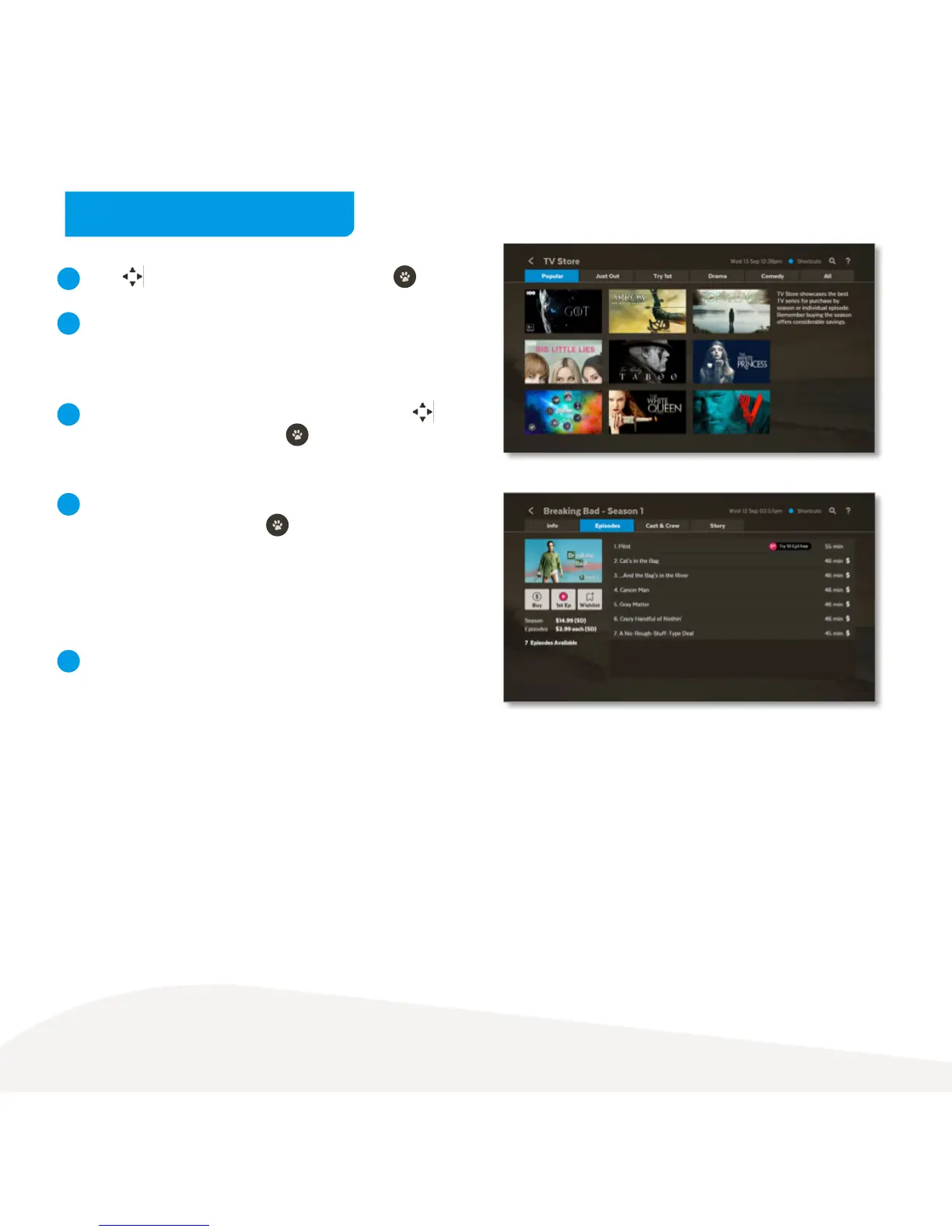
Use to select show from TV Store and press .
From the Season details screen, you can select to watch
the full screen trailer (if available), buy the season or add
the show to your Wishlist in Menu > My Stuff > TV Shows.
To buy an episode rather than the whole season, use
to highlight Episodes and press . Choose the episode
you’d like to purchase.
To buy an episode or season, you’ll be asked to enter
your Parental PIN and press . You can choose to
buy the SD or HD format if available. Once you confirm
the purchase the amount will come off your credit card
for Fetch retail customers or will be added to your next
month’s bill from your Fetch Service Provider.
If your purchase is successful the first available episode will
be ready to play.
1
2
3
4
5
Buy TV Episodes or Seasons



 To Next Page