18
Adding more Channels
Bite-sized channel packs can be added on a month-to-month basis.
You can add one or multiple packs, with 5 to choose from:
• Kids Pack (10 channels)
• Vibe Pack (12 channels)
• Variety Pack (10 channels)
• Knowledge (18 Channels)
• Ultimate Pack (50 channels, including all of the channels from
the above packs)
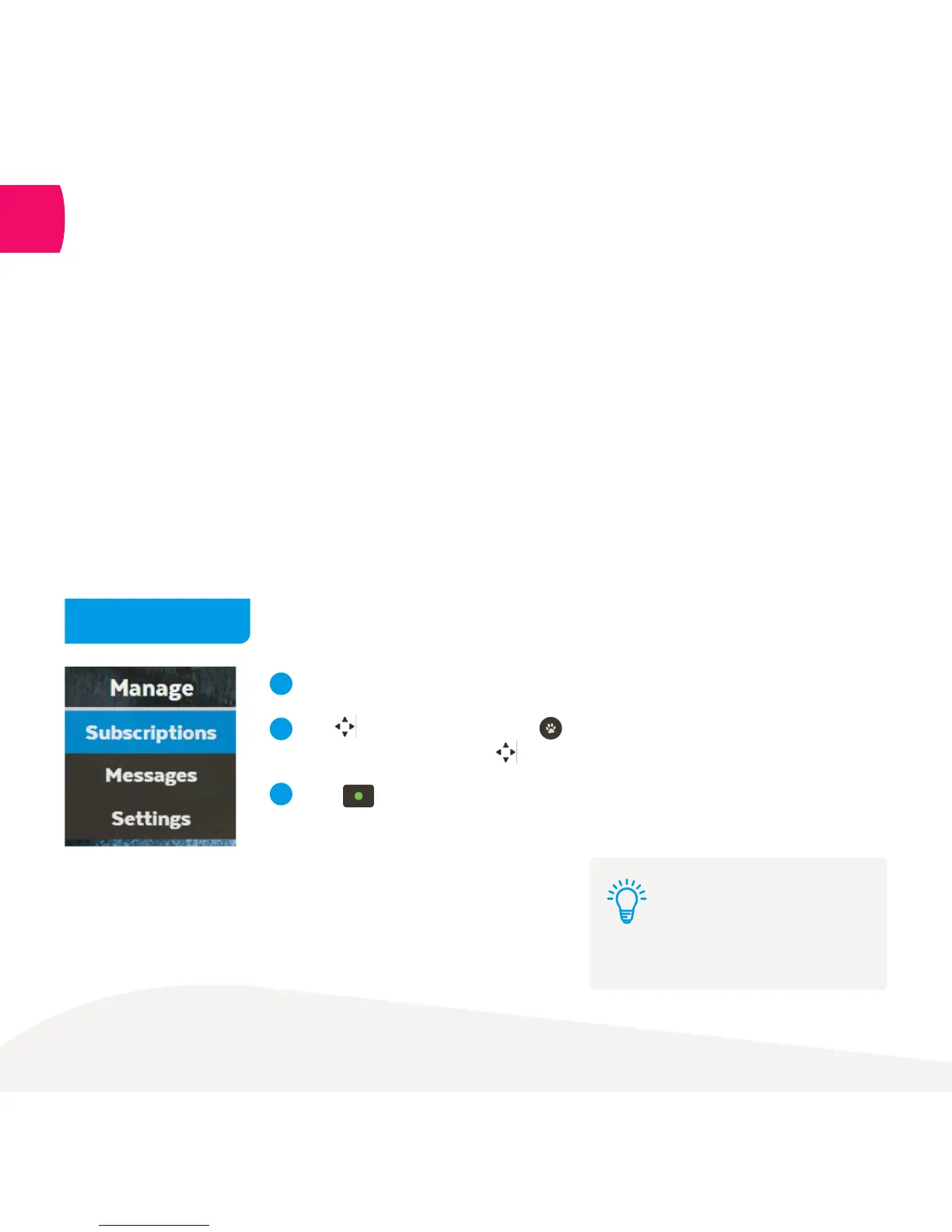
Select Manage from the main menu and then choose Subscriptions.
Use to see available packs. Press to select pack.
Explore channels in pack using .
Press to subscribe to a pack. Repeat to unsubscribe.
Subscriptions on channel packs are for a minimum of 1 month.
The minimum contract term on each pack is 1 month, and you can add or remove
them at any time with no ongoing costs.
1
2
3
Menu > Manage > Subscriptions
How to add a pack
7
You need a current subscription to
a channel pack to watch recordings
made on a channel too
Note:



 To Next Page