Basic Voice Commands
The basic Voice Commands below can be given at any point while using your Uconnect
system.
Push the VR button
. After the beep, say:
• Cancel to stop a current voice session
• Help to hear a list of suggested Voice Commands
• Repeat to listen to the system prompts again
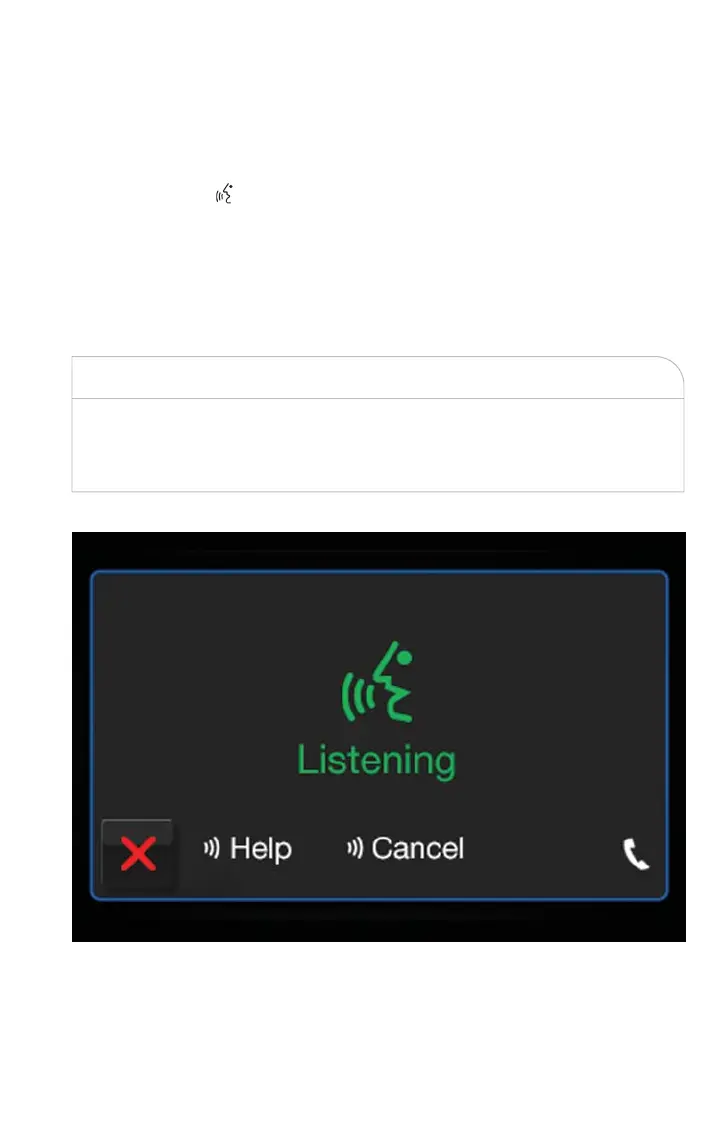
Notice the visual cues that inform you of your voice recognition system’s status. Cues
appear on t he touchscreen.
WARNING!
Any voice commanded system should be used only in safe driving conditions following
all applicable laws. Your attention should be focused on safely operating the vehicle. Fail-
ure to do so may result in a collision causing serious injury or death.
Uconnect 5.0 Visual Cues
ELECTRONICS
57



 To Next Page