2 - 7
Installation Procedures
CAUTION:
1. The heat sink and fan you installed must be approved by AMD.
2. The mainboard must be placed on a solid place to avoid shaking
|||||while install the heat sink and fan on the board.
3. The heat sink must be contact with the CPU top tightly.
4. Never run the processor without the heat sink properly and firmly
attached. PERMANENT DAMAGE WILL RESULT!
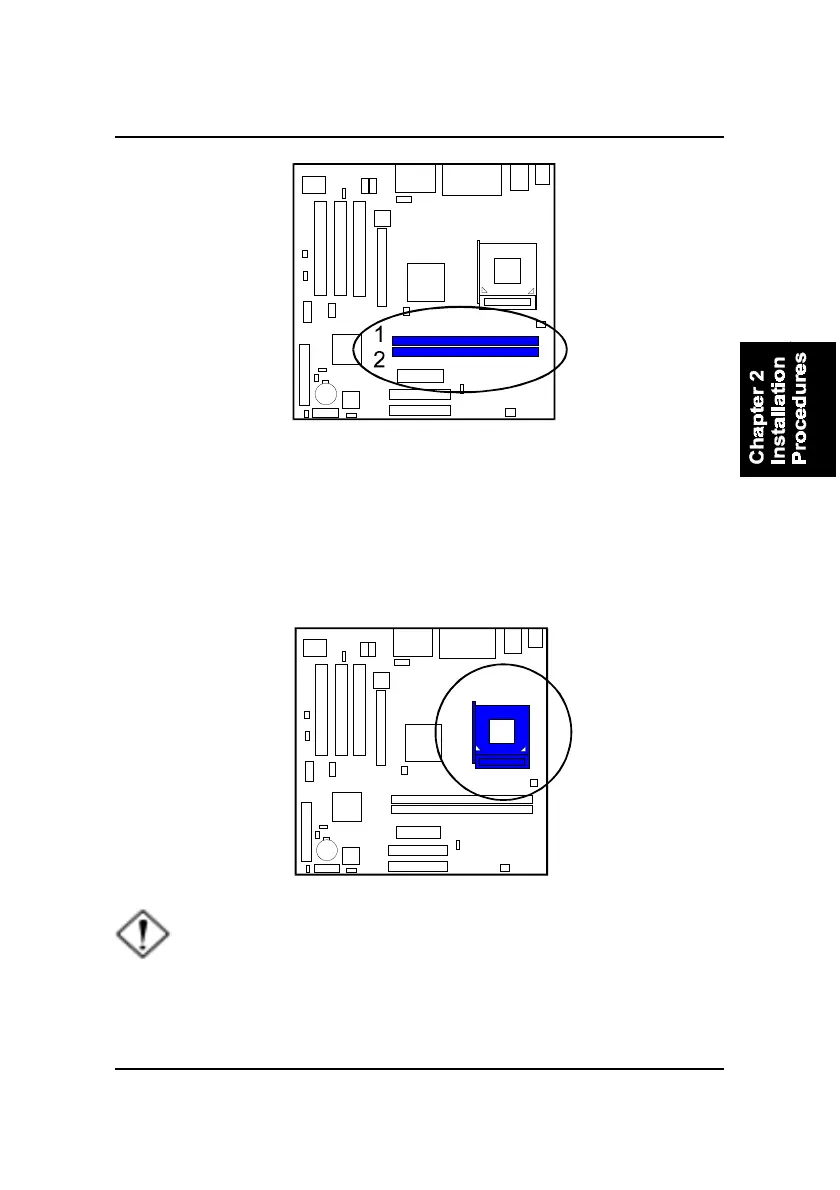
3). Install the CPU
The AMD CPU module resides in the socket on the board. Please follow the
steps introduced below to complete the CPU installation.
Press the clips with both hands to remove the DIMM.



 To Next Page