3 - 16
AM35 Mainboard Manual
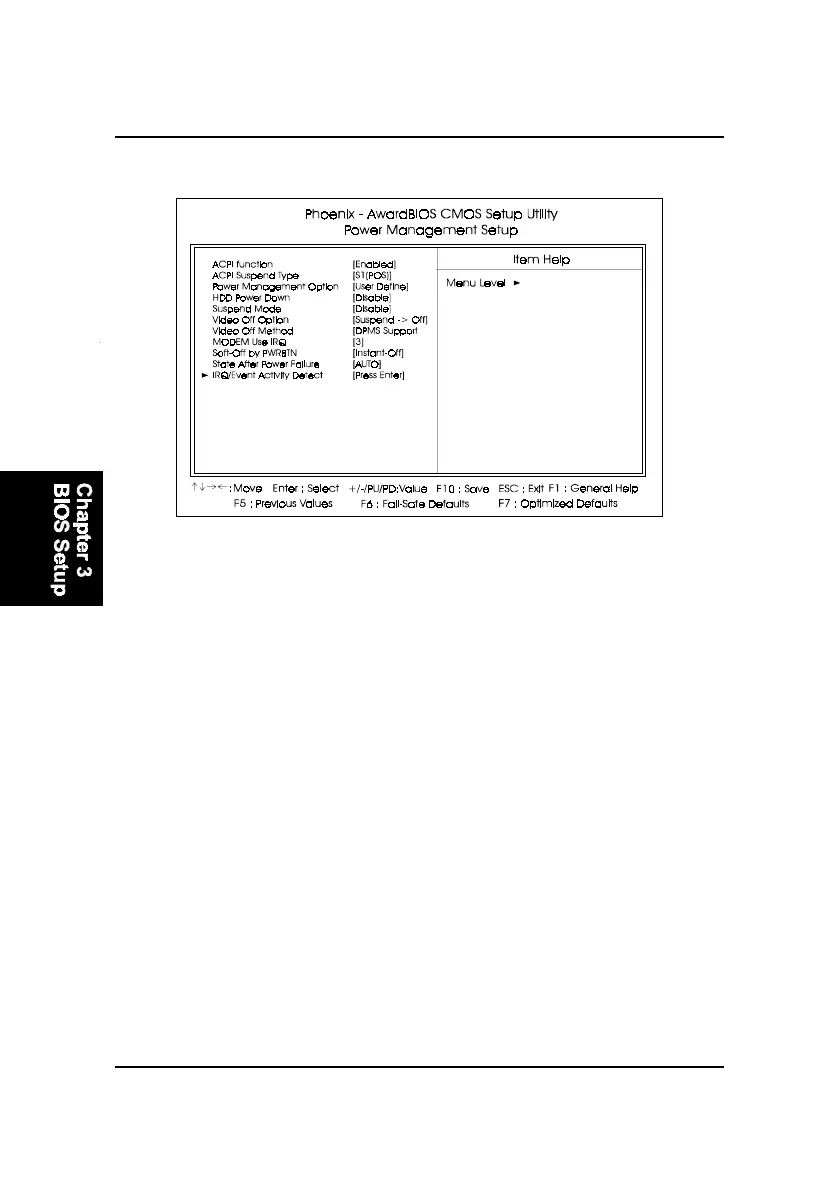
HDD Power Down
The option lets the BIOS turn the HDD motor off when system is in Sus-
pend mode. Selecting 1 Min..15 Min allows you define the HDD idle time
before the HDD enters the Power Saving Mode.
The options 1 Min..15 Min will not work concurrently. When HDD is in the
Power Saving Mode, any access to the HDD will wake the HDD up.
The options are: Disable, 1 Min..15 Min.
ACPI Suspend Type
This item allows you to select ACPI suspend types.
The options are: S1(POS), S3 (STR), S1&S3.
Power Management Setup
Power Management
This item allows you to adjust the power management features.
ACPI function
This item allows you to disable the ACPI function.
The options are: Enabled, Disabled.
Select User Define for configuring your own power management features.
Min Saving initiates all predefined timers in their minimum values. Max
Saving, on the other hand, initiates maximum values. The options are: User
Define, Min Saving, Max Saving.



 To Next Page