2 - 17
Installation Procedures
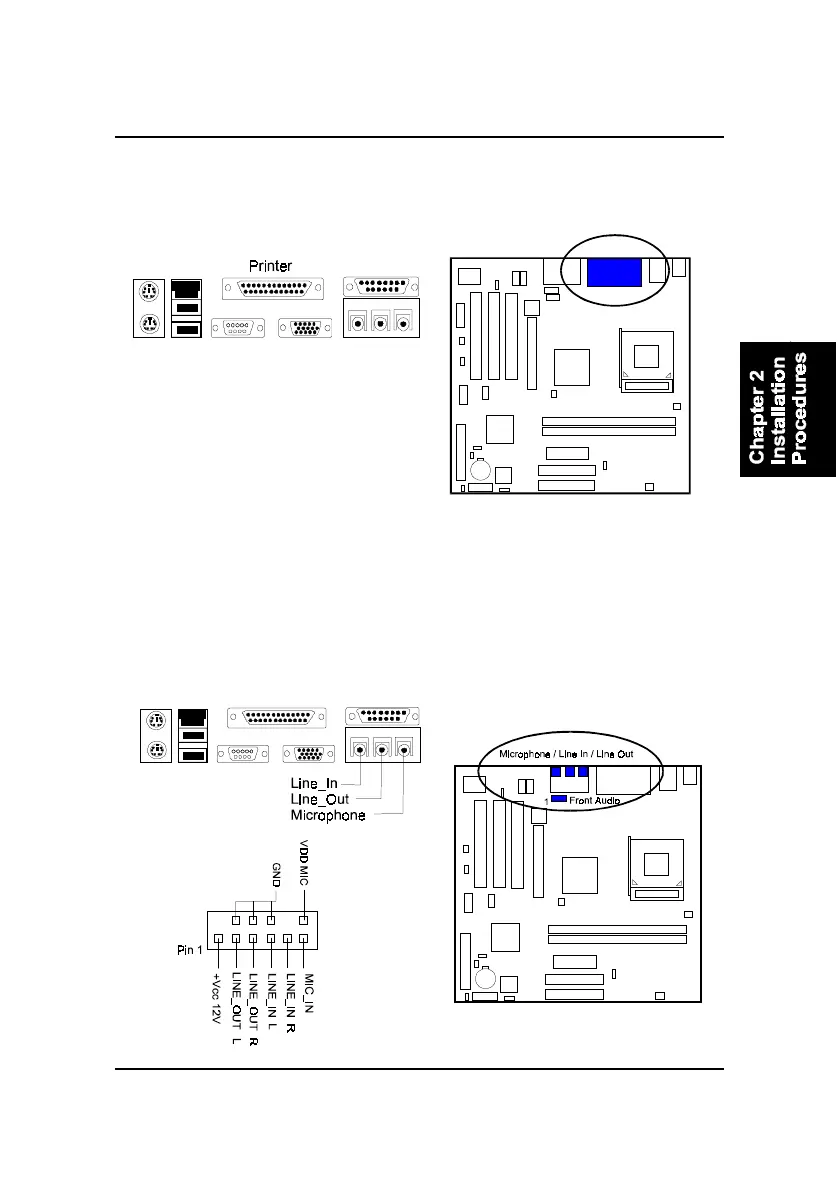
Printer Connector
This 25-pin D-Sub female burgundy-colored connector is attached to your
printer.
Audio I/O Jacks
LINE_OUT (lime) can be connected to headphones or preferably powered
speakers. LINE_IN (light blue) allows tape players or other audio sources to
be recorded by your computer or played through the LINE_OUT. MIC_IN
(pink) allows microphones to be connected for voice input. The mainboard
also provides you with a front panel audio port connector, FNT_AUDIO,
when needed. Its pin definitions were presented below.



 To Next Page