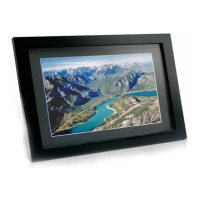
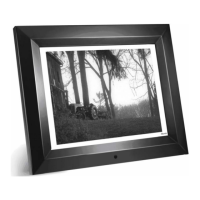
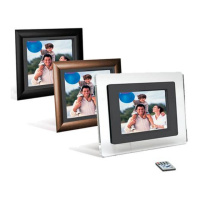
7 INCH DIGITAL PICTURE FRAME
3
Introduction
Congratulations on your purchase of Fidelity Electronics Digital Picture Frame,
model DPF-7005F.
Before operating the unit, please read this manual thoroughly, and retain it for
future reference. This manual will help you use many of the exciting and
useful features that will make your Digital Picture Frame viewing more
enjoyable.
This Digital Picture Frame lets you view digital pictures directly from your
camera's memory cards. You will be able to create a slideshow using multiple
transition effects or display one picture at a time. No computer, digital camera
or Internet connection is required.
This Digital Picture Frame is compatible with the following popular memory
card formats: SD™, MultiMediaCard™, Memory Stick® and XD™ Picture
Cards.
Main Features
• Displays digital pictures (JPEG) without a computer.
Simply insert a compatible memory card into the Digital Picture
Frame to show photos. (Memory card not included).
• Compatible memory cards include Secure Digital Card (SD),
MultiMedia Card (MMC), Memory Stick (MS) and XD Picture Cards.
• Supports up to 10 Mega Pixels image files (JPEG format).
• Compatible with most digital cameras’ stored JPEG images files.
• Bright 7” TFT active matrix LCD screen.
• Automatic slide show.
• User-friendly on-screen display lets you access all controls easily.



 To Next Page