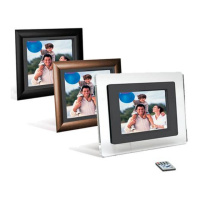
7 INCH DIGITAL PICTURE FRAME
9
Troubleshooting
Symptom Cause Corrective Actions
Digital Picture Frame
doesn’t power on
The POWER connector to
the unit is not securely
inserted.
Make sure you connect
the AC adapter to the
frame properly and
make sure you have
powered on the unit by
using your remote
control or the On/Off
button. When you
connect the AC adapter
to the frame and power
up the unit, even without
a memory card, you
should see a blank
screen. If you don’t see
the lit screen, check if
the power is connected
to the Digital Picture
Frame and make sure it
is securely attached.
No Start-up screen Memory card is not inserted
correctly.
Insert a supported
memory card
No photo on the memory
card
Card is wrongly inserted Verify if the way you
inserted the card is
correct. Make sure the
front label of the
memory card is facing
AWAY from you. Do not
force the memory card
into the slot.
The File doesn’t play Incompatible File Format Make sure there is at
least one supported
photo file on the memory
card.
Compatible Photo
format: JPEG



 To Next Page