7 INCH DIGITAL PICTURE FRAME
4
Getting Started
Package Contents
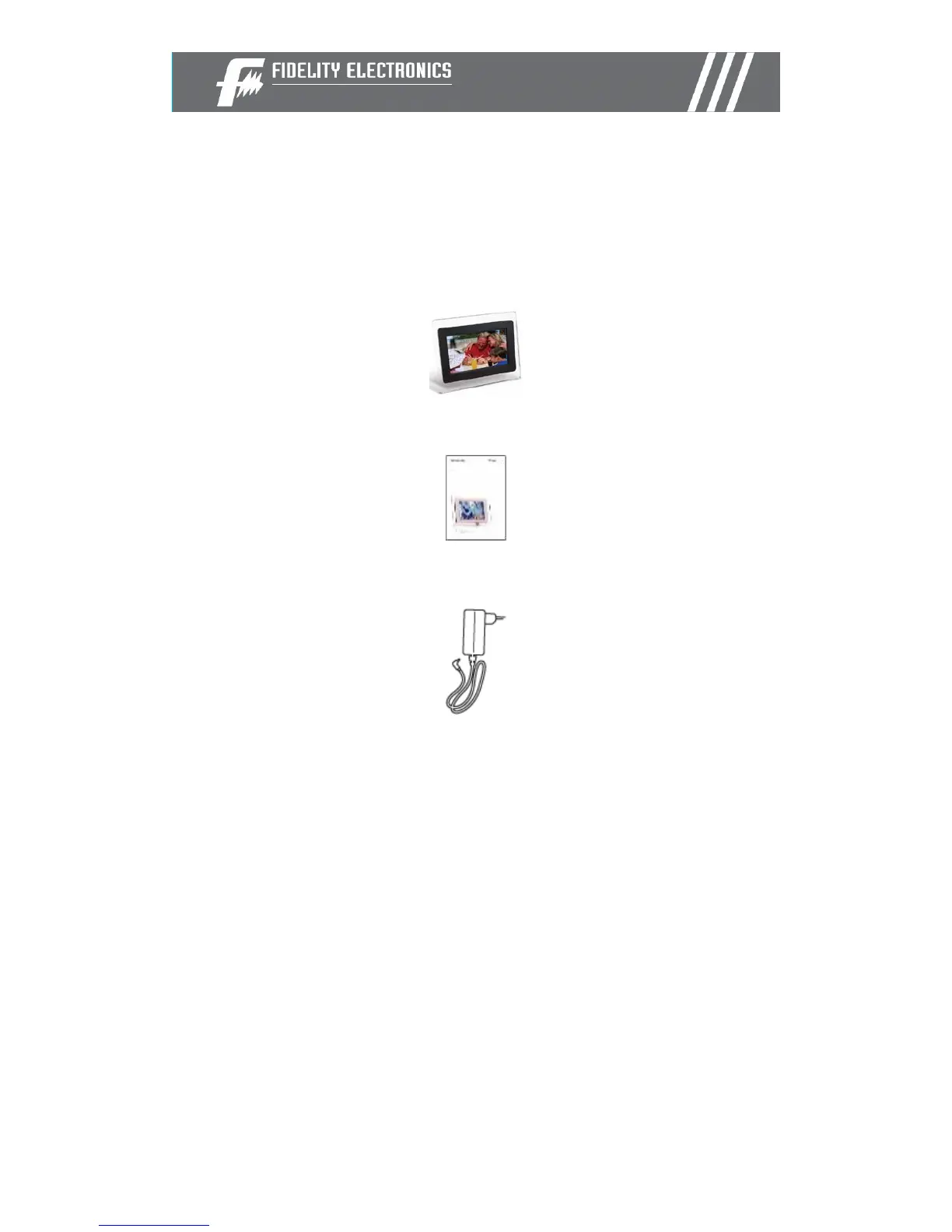
Digital Picture Frame and stand
User Guide
AC/DC Adapter
Installing your unit
• Open the package and remove the protective foam. Remove the
protective sleeve from the unit.
• Install the Digital Picture Frame stand onto the back of the unit.
• Plug in the AC adapter into power outlet. Plug the other end into the
unit.
• After the content is stored on the target flash media; insert the
media into the correct slot.
• Turn power to ON position via the ON/OFF/Play/pause switch.



 To Next Page