26
Wireless Measurement Sources
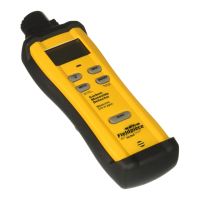
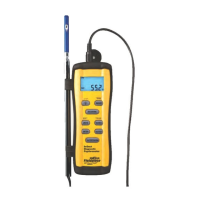
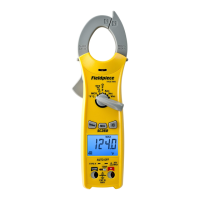
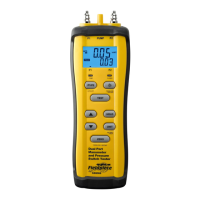
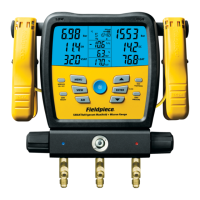
Assign wireless Job Link system tools to
core manifold measurements such as pipe
temperature or to broader measurements such
as refrigerant weights and psychrometrics.
Wireless OFF: Line temperatures (SLT and LLT) are automatically
assigned to their type K jacks.
Wireless ON: SLT and LLT type K jacks DO NOT override an
assigned wireless source.
MENU/Wireless Sources
1. Use ARROWS to scroll through the list of measurements.
2. Press ENTER to select.
3. Turn on any wireless sources you want to assign.
If your Job Link system tool has a selector switch, ensure it’s set to
match the measurement.
4. Use ARROWS to scroll through detected measurement sources.
Job Link system tools are displayed by their 4 digit ID, usually found
on the back of the tool.
5. Press ENTER to select and return to the list of measurements.
• Press MENU to exit at any time. If changes were made, choose
whether or not you want to save changes.
• Most Job Link system tools have a switch that selects a side of the
system. Set it to match the measurement you’re assigning it to.
• Select Clear to set a source to its factory default source. This is
useful when you want to use a previously assigned tool at the job
site, but do not want to use it with the SMAN manifold.
• A wireless Return psychrometer is assigned to both Return air and
IDWB (page 17) when selected.


 To Next Page
 Loading...