WINDOWS 50
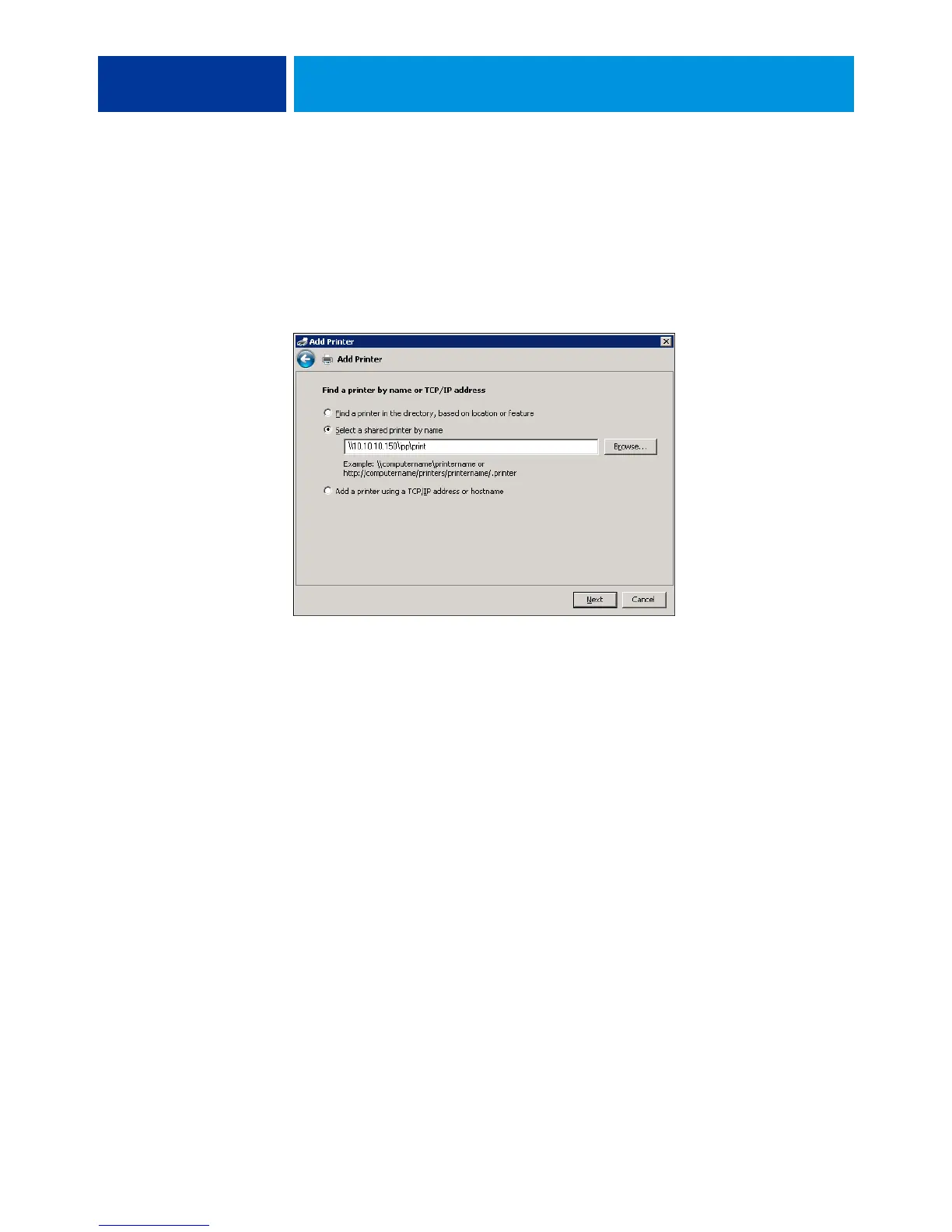
Windows Server 2008/Server 2008 R2/Windows 7: Click Select a printer by name, and in the
URL field, type the IP address or DNS name of the E100, followed by the name of the
connection (print, hold, or direct).
NOTE: For example, http://10.10.10.150/ipp/print or http://DNS name of E100/ipp/print
sends the job to the Print queue on the E100.
NOTE: The URL for the printer is not case-sensitive.
6 Windows 2000/XP/Server 2003/Vista: Click Next.
The Connect to Printer dialog box appears.
Windows Server 2008/Server 2008 R2/Windows 7: Click Next.
7 Windows 2000/XP/Server 2003/Vista: Click OK.
The Add Printer Wizard dialog box appears.
Windows Server 2008/Server 2008 R2/Windows 7: Click Install driver.
8 If you are installing the PostScript printer for the first time, follow the procedure “To install
and complete the print connection for Windows” on page 37, step 9.
9 Indicate whether you want to make the E100 the default printer and click Next.
10 Click Finish.



 To Next Page