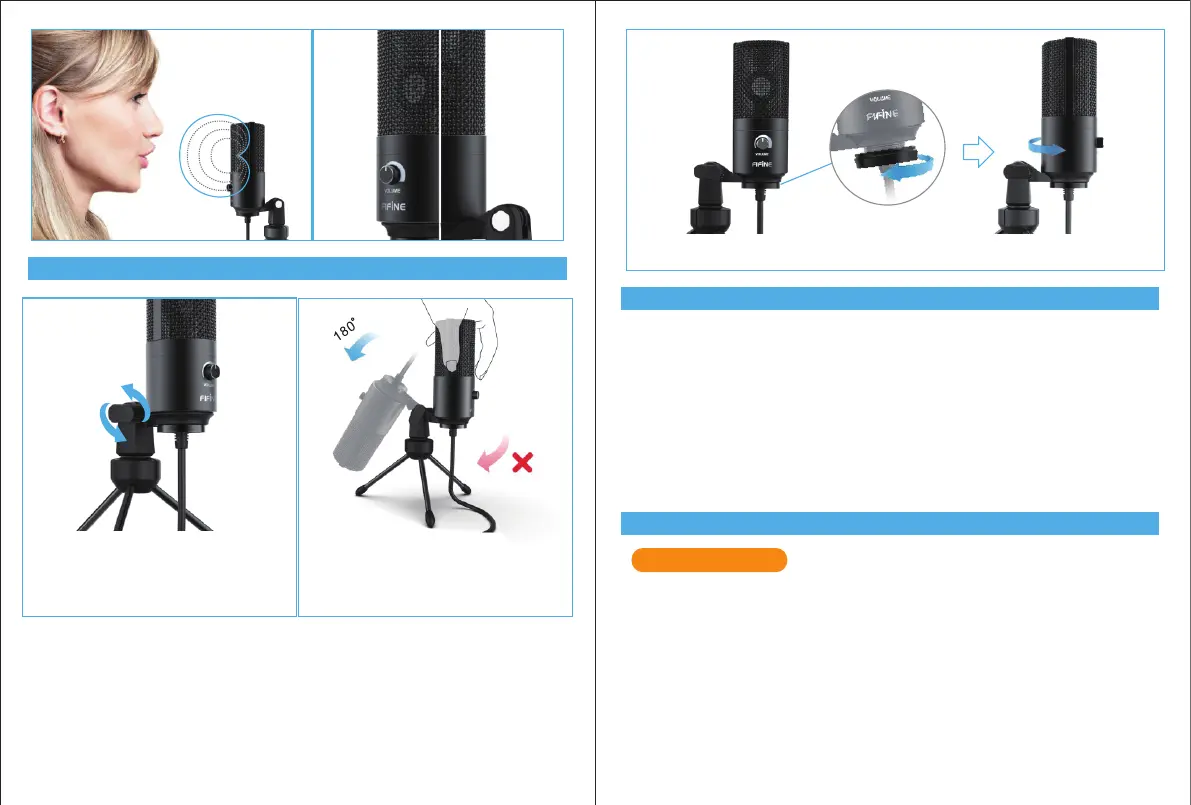
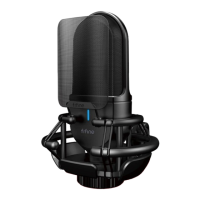
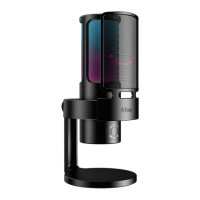
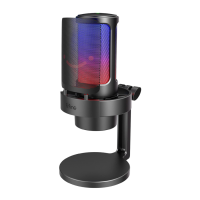
STAND INSTALLATION AND ADJUSTMENT
COMPUTER SETUP
SPECIFICATION
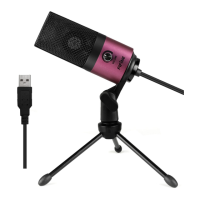
1. Plug the free end of the provided USB cable into the USB port on your computer.
indicating the microphone is receiving power. Your computer will automatically recognize
the USB device and install a driver.
2. To select the K669 as your audio input, rst, open your System Preferences.
1. If necessary, adjust the microphone’s angle
with the pivotMount’s thumbscrew.(turn left
for loosen ,turn right for tighten)
2. Pls Swing the microphone counterclock-
wise, Swing the microphone clockwise will
cause the bracket broken.
Apple MAC OS
Power Supply: 5V
Polar Pattern: Unidirectional
Frequency Response: 20Hz-20KHz
Sensitivity: -34dB±30%(at 1kHz)
Load Impedance: 1000Ω
Equivalent Noise Level: 16dB-A
Max.SPL: 130dB(at 1kHz≤1% T.H.D)
S/N Ratio: 78dB
Electrical Current: 3mA
3.Screw the pivot mount to adjust microphone angle 360° horizontally.
3 4
Front Rear


 To Next Page