24
If need to monitor, click “File”, and then “Settings”.
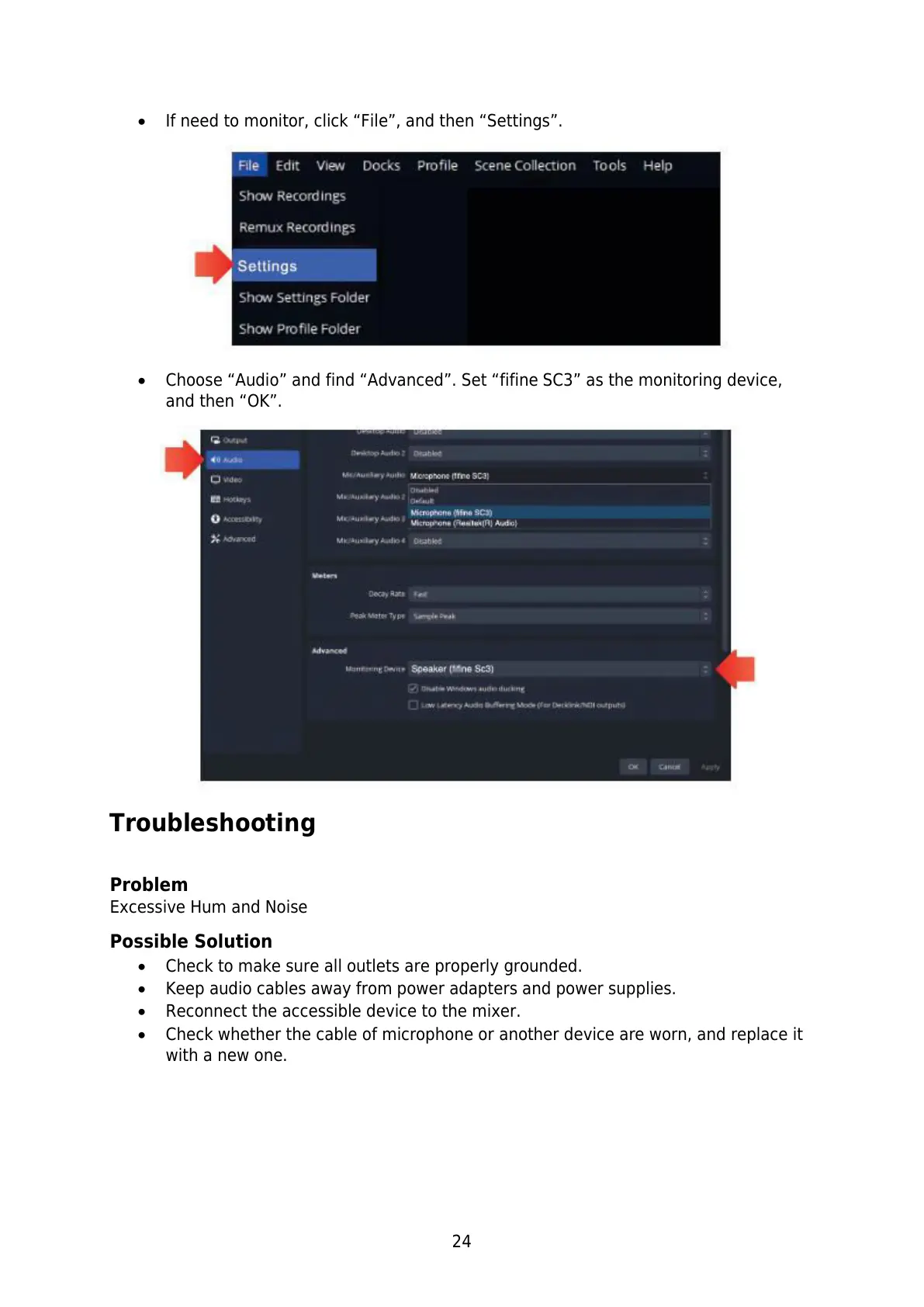
Choose “Audio” and find “Advanced”. Set “fifine SC3” as the monitoring device,
and then “OK”.
Troubleshooting
Problem
Excessive Hum and Noise
Possible Solution
Check to make sure all outlets are properly grounded.
Keep audio cables away from power adapters and power supplies.
Reconnect the accessible device to the mixer.
Check whether the cable of microphone or another device are worn, and replace it
with a new one.



 To Next Page