11
Touch Control
Reset
If the left and right earbuds can not recognize each other, please
put them back in the charging case and wait more than 5 seconds,
or you can consult FIIL customer service to learn how to manually
reset the earbuds.
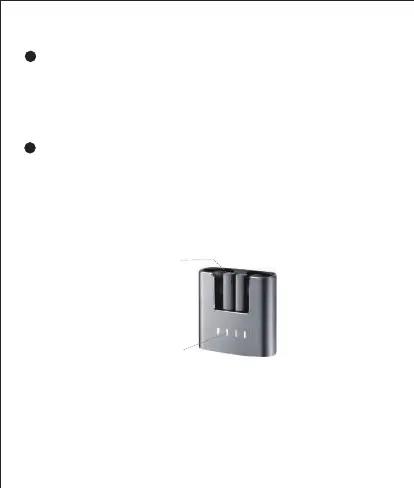
Charging Indicator
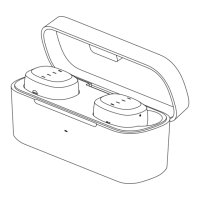
When the earbuds are being charged in the charging case, the indicator
light on the top of the earbud lights up and goes out when fully charged.
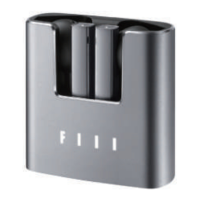
When the charging case is being charged with a USB Type-C cable,
the FIIL logo indicator on the charging case will flash like breathing
and will turn off when fully charged.
Note: Please make sure the charging port at the bottom of the earbud
is clean and dry. You can manually clean the dirt of the charging port to
avoid abnormal charging.
Charging Indicator
Earbuds Indicator


 To Next Page