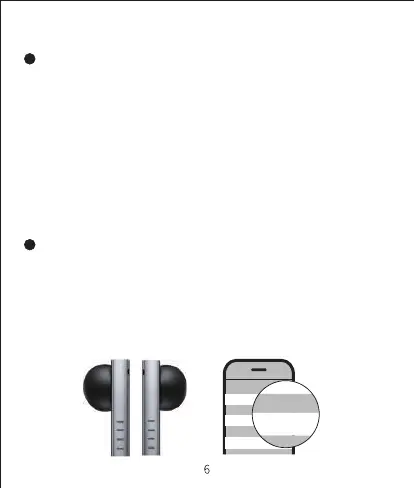
1. Please turn on the Bluetooth connection from the setting menu of
mobile phone and select "search device" , then select "FIIL CC
nano" from the Bluetooth list to complete the connection.
2. Once FIIL CC nano is paired with your mobile device, the earbuds will
automatically connect to the paired device whenever you take the
earbuds out of the charging case.
Bluetooth Connection
Step 1: Bluetooth Pairing
Step 2: Complete the Connection
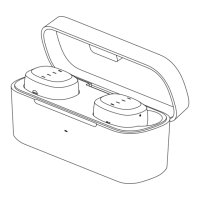
1. For the first usage of brand new FIIL CC nano, please take the earbuds
out of the charging case and the earbuds will automatically enter the
Bluetooth pairing mode.
2. To connect with another mobile device, you can disconnect the earbuds
from your current device, and the earbuds will automatically enter the
Bluetooth pairing mode.
3. Or you can long press the earbud until it turns off, then long press again
until the LED flashes blue, then manually set the earbuds to Bluetooth
pairing mode.
< Settings Bluetooth
Bluetooth
My Devices
FIIL CC nano Connceted
FIIL Diva2 Disconnceted
FIIL Driifter Disconnceted
我的设备
FIIL CC nano
My Devices


 To Next Page