14
Trouble Shooting
Problem
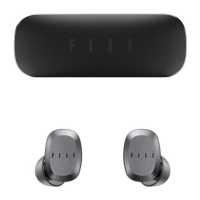
Earbuds
won’t turn on
· Power on the earbuds.
· Charge the battery.
Earbuds
won’t pair
with Bluetooth
device
·
·
·
·
·
·
·
·
·
·
·
On your Bluetooth device:
Turn the Bluetooth feature on and then off.
No sound
Delete your FIIL CC nano earbuds from the
Bluetooth list on your device,
pairing
again.
Move your Bluetooth device closer to the
earbuds and away from any interference or
obstructions.
Power on the earbuds and charge the battery.
Increase the volume on your earbuds and
Bluetooth device.
Press the Power/Bluetooth button to hear the
connected device. Make sure you are using the
correct device.
Move your Bluetooth device closer to the
earbuds and away from any interference or
obstructions.
If two Bluetooth devices are connected, pause


 To Next Page