Bluetooth Multipoint
Step1: Activate multi-point function
7
Step 2: Connect the second device
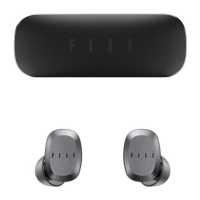
1. Please connect with FIIL CC nano, download and install fiil+ App
on mobile device.
2. From the fiil+ App, turn on "Bluetooth free connection" and switch
to "Multi-point mode".
1. Press and hold the earbud until you hear the voice prompt of "
pairing "and release it".
Or from the fiil+ App, switch to "Multi-point mode" and tap the
"Pairing" button in "Bluetooth free connection".
The earbuds will disconnect from the current mobile device and
enter the pairing mode.
2. Search and connect FIIL CC nano in the second mobile device.
3. Reconnect FIIL CC nano in the first mobile device.


 To Next Page