25
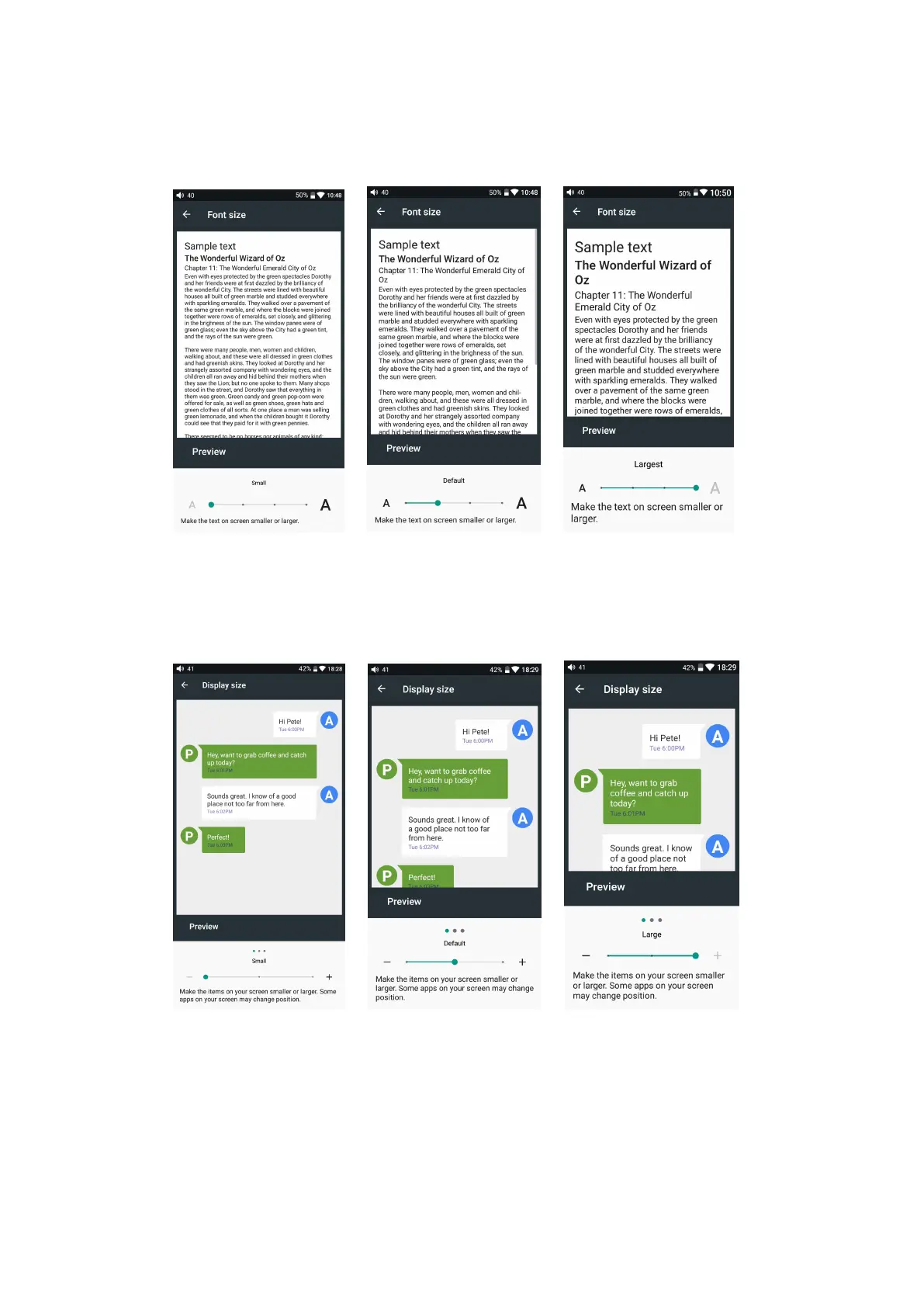
You can choose the appropriate font display, including small, default, large, and
maximum four fonts.
Display size
You can choose from three levels of display size, including small, default, and large.
Display size is reflected both in the display icon and text.
6
、
Language settings
1. Press “setting”, “language & input”, and “languages” in sequence, which will
bring you to the “language preference setting” interface;
2. Press “Add a language”;



 To Next Page