35
Slide to fast forward/rewind: tap anywhere on the progress bar below the
album cover area to jump to the corresponding part of the track now playing.
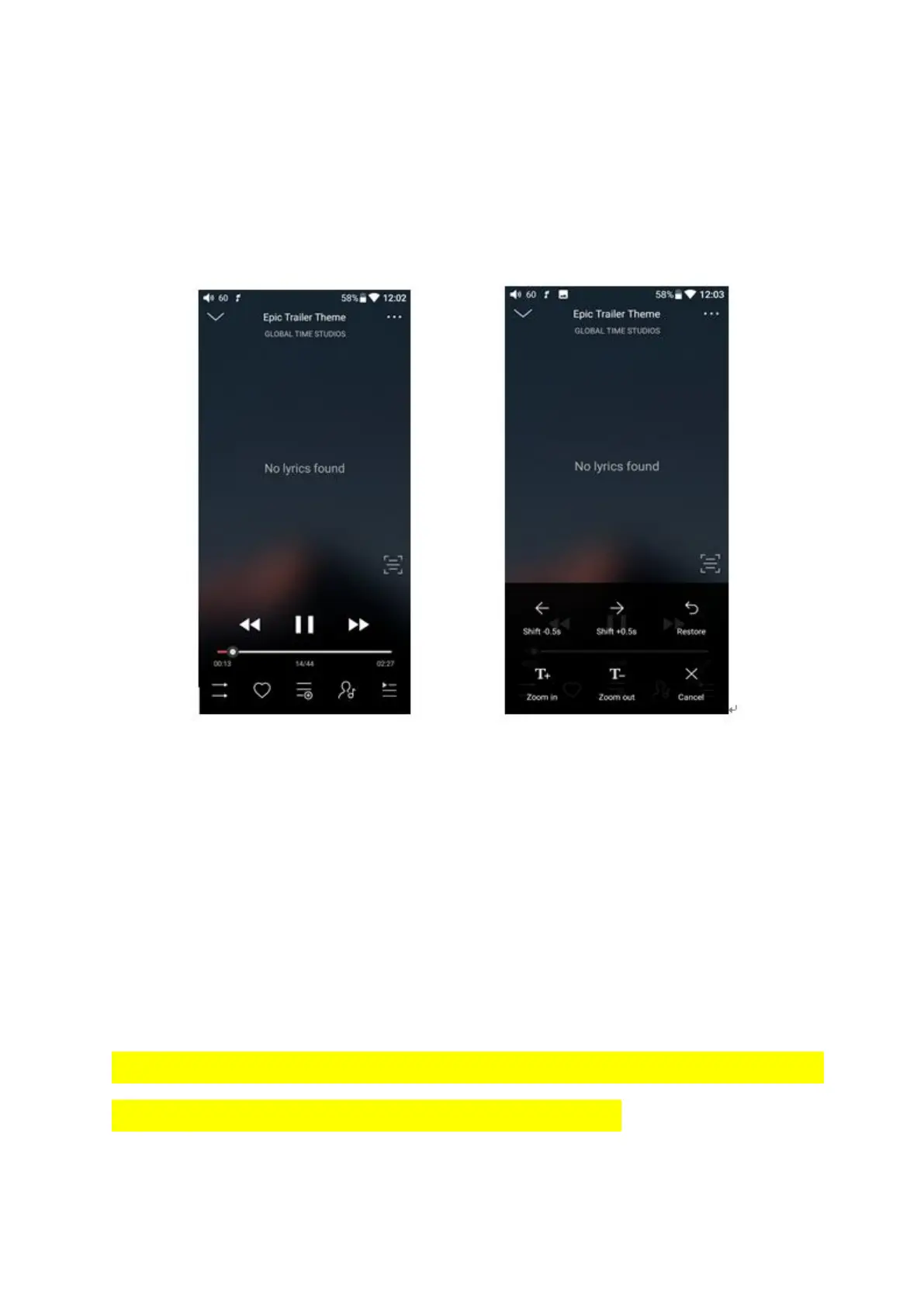
Note: While in the lyrics display page, you can adjust the playback progress by sliding over
the lyrics, adjust lyrics timeline or adjust font size.
5、Professional Equalizer
FiiO Music incorporates a graphic equalizer. One may choose between the given
genre presets directly, or adjust the ten frequency bands from 20 to 20000Hz
independently from -12 to +12 dB, thus satisfying your personalized listening needs
and adapting to your listening equipment.
1) Choose preset EQ: swipe up from the bottom of the screen to show the full list of
EQ presets, tap icon to switch the equalizer you chose.
2) 自定义 EQ:切换到自定义 EQ 后上下拖动相应频点图标对 EQ 曲线进行微调(在频点区
域左右滑动换页);依次更改想要调节的频点,EQ 实时生效;



 To Next Page