34
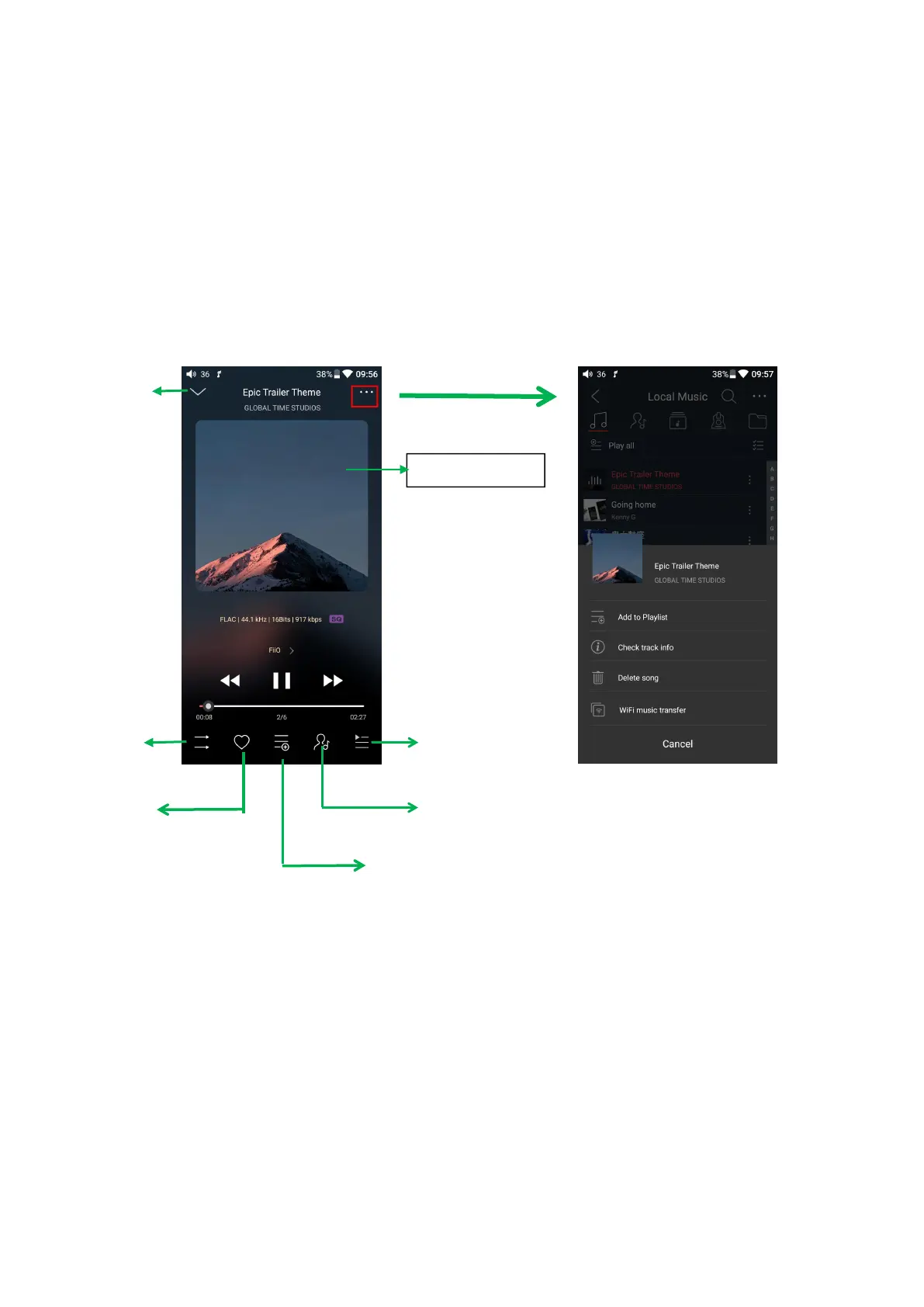
Switching area: clicking on the center area of album cover enables you to
switch between album cover and lyrics; sliding to the left or right enables you to
switch between songs.
Adjusting the volume: after rolling the volume roller, press the right side to
jump out of the volume popup; the volume popup will be hidden after 2-second
vacant time or pressing other areas.
Check current artist info



 To Next Page