32
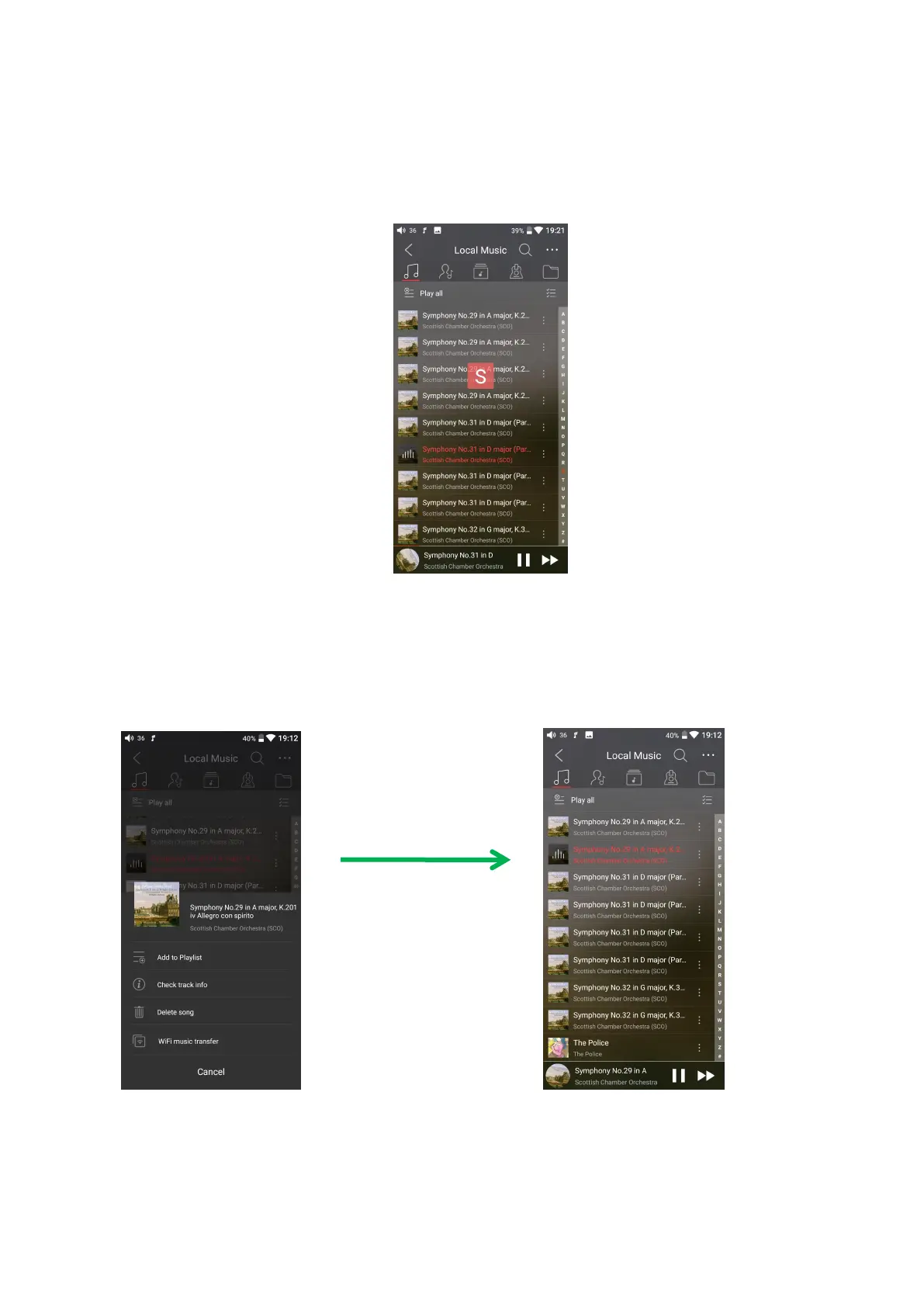
Slide on the letter bar at the right side of the screen, and the corresponding initial
letter will appear at the screen center. Release your finger at the corresponding initial
letter, and the list will jump to the songs corresponding to that initial letter.
3、Functionalities corresponding to “all-songs” interface
Click the icon (┆) at the right of each song to see the hidden menu. Click the
icons in the menu to execute corresponding functionality.
The following functionalities can be done in the hidden menu:
1. Select sorting method: sort according to file name, adding time, or initial letters



 To Next Page