12
/
40
1. Over-the-air automatic updates
1) Turn on the X7’s WiFi and connect to the internet with a suitable hotspot (see section D.2).
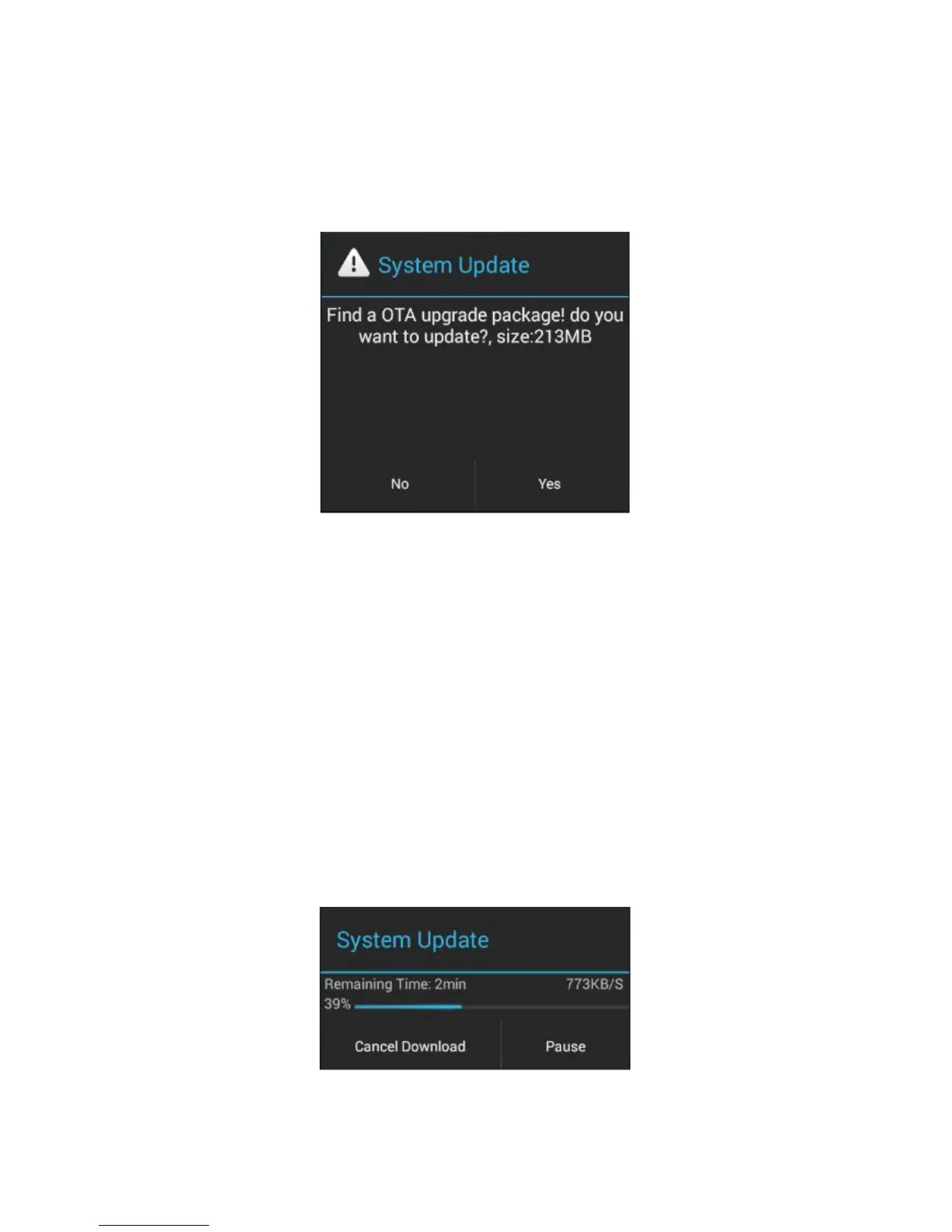
2) The X7 would check for over-the-updates and prompt for updating automatically if a newer
firmware version is found:
3) Tap “Yes” and the X7 will download the update and install it automatically when download is
a) You may tap the home button to dismiss the download screen and continue using the X7;
b) Please connect to a high speed network to save download time;
c) The package download may be stopped and resumed;
d) Do not attempt to operate the X7 when the update proper is ongoing.
e) The X7 will reboot twice, once in update mode, then back into Android mode. The update
process is complete when the Android lockscreen appears.



 To Next Page