14
/
40
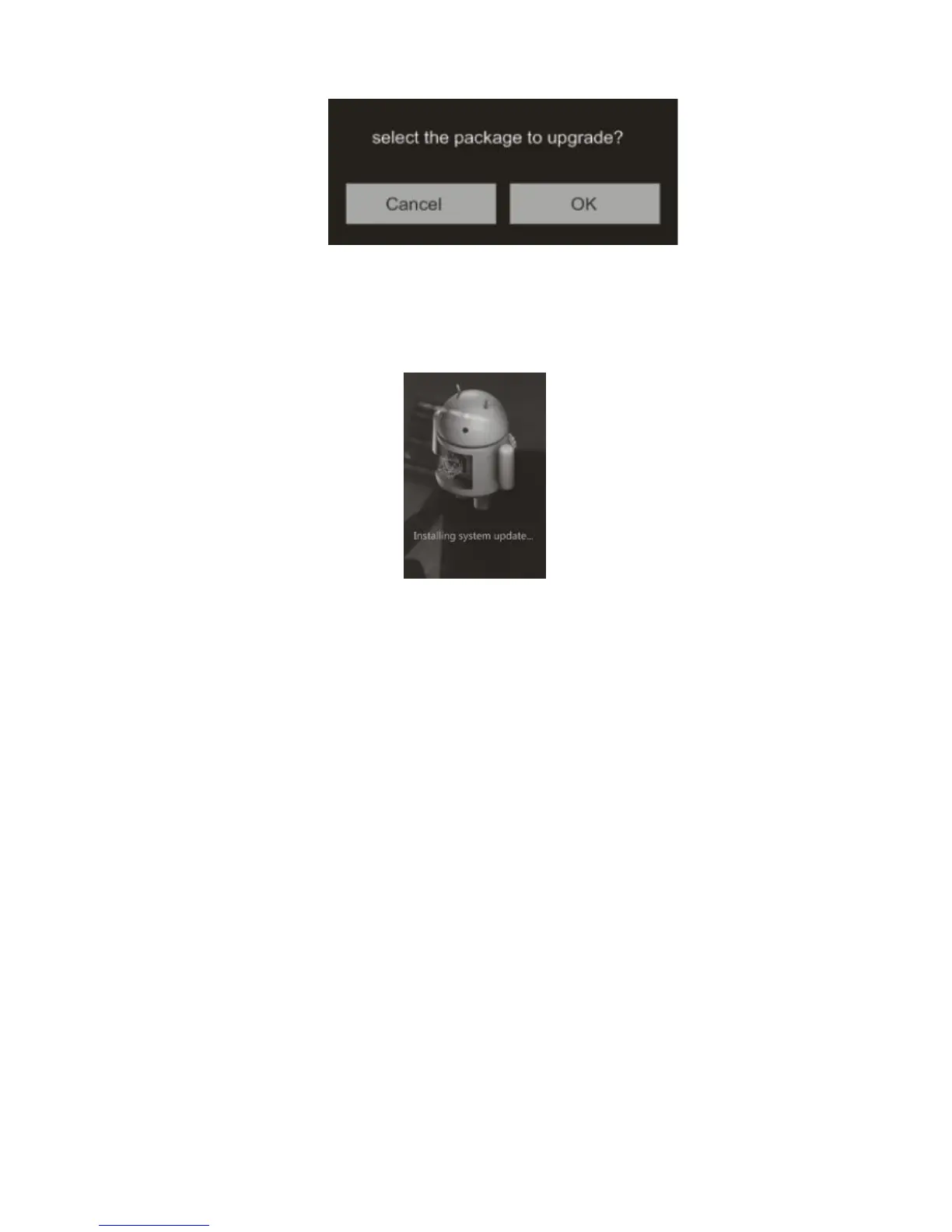
you to confirm whether to update the X7 with the selected zip file:
5) Tap “OK” to start the update. Do not attempt to operate the X7 while the update is ongoing.
6) The X7 will reboot twice, once in update mode, then back into Android mode. The update
process is complete when the Android lockscreen appears.
1) Make sure the X7 is adequately charged (preferably fully charged) for the update process to
prevent power failure during the update.
2) If update fails, check that you selected the correct update zip file;
F. Pictorial guide to operating the X7
1. Android Mode
The Android interface of the X7 is similar to that of other Android device, for an intuitive operating
experience.



 To Next Page