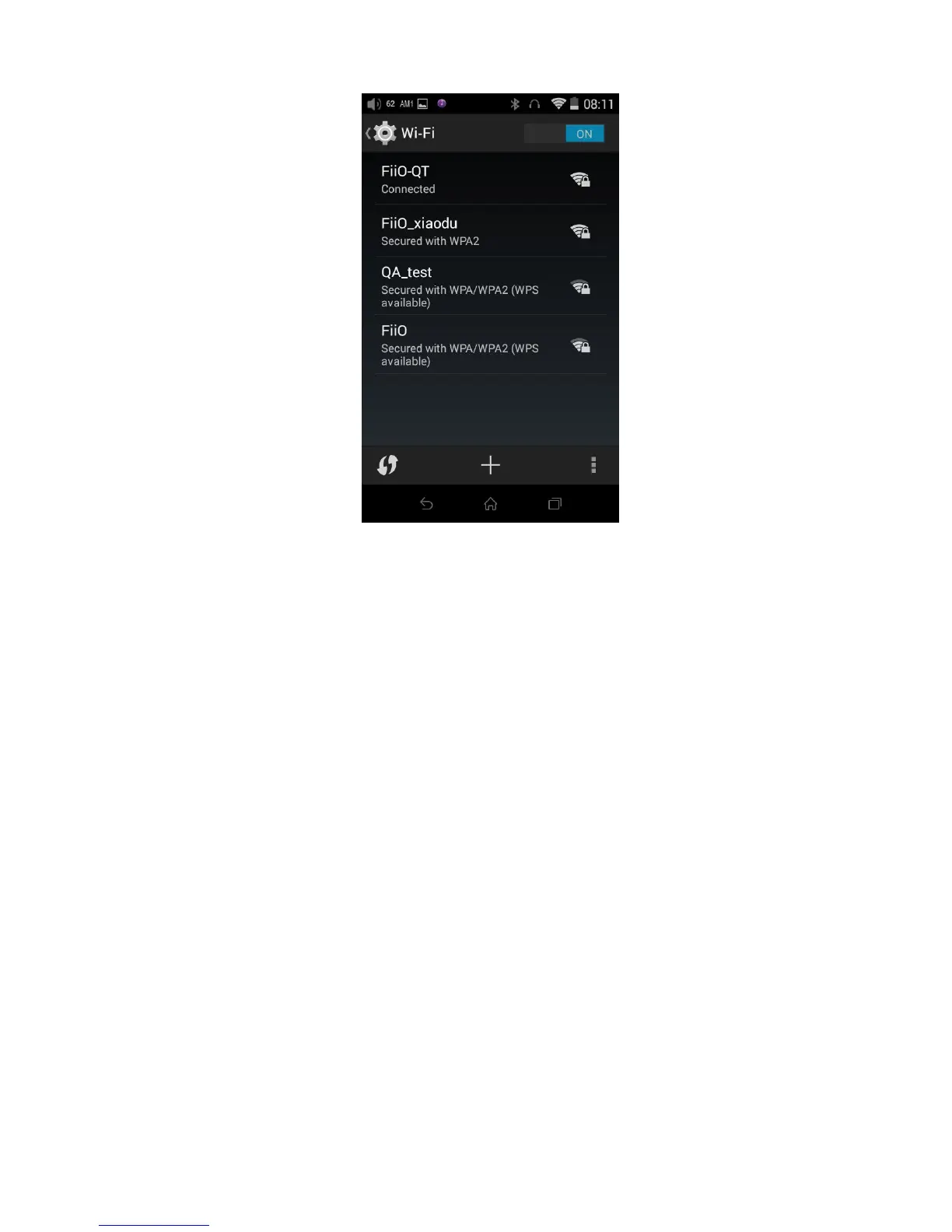
Note: when its WiFi is on, the X7 will connect to the WiFi network it last connected to by preference.
Improper operation during firmware updates may cause the unit to malfunction! Please read the
following instructions for firmware updates carefully before proceeding.
To check the current firmware version:
From the Android homescreen (in Android mode), tap Settings -> About X7 (bottom of menu). The
“Build number” indicates the firmware version of the X7.
Preparations / Precautions before firmware update:
Make sure the X7 is adequately charged (preferably fully charged) for the update process to prevent
power failure during the update.
Make sure the X7 contains over 1GB of free space in its “NAND FLASH” (see Settings -> Storage). If
necessary, use the file browser to delete unnecessary files to free up space before attempting the



 To Next Page