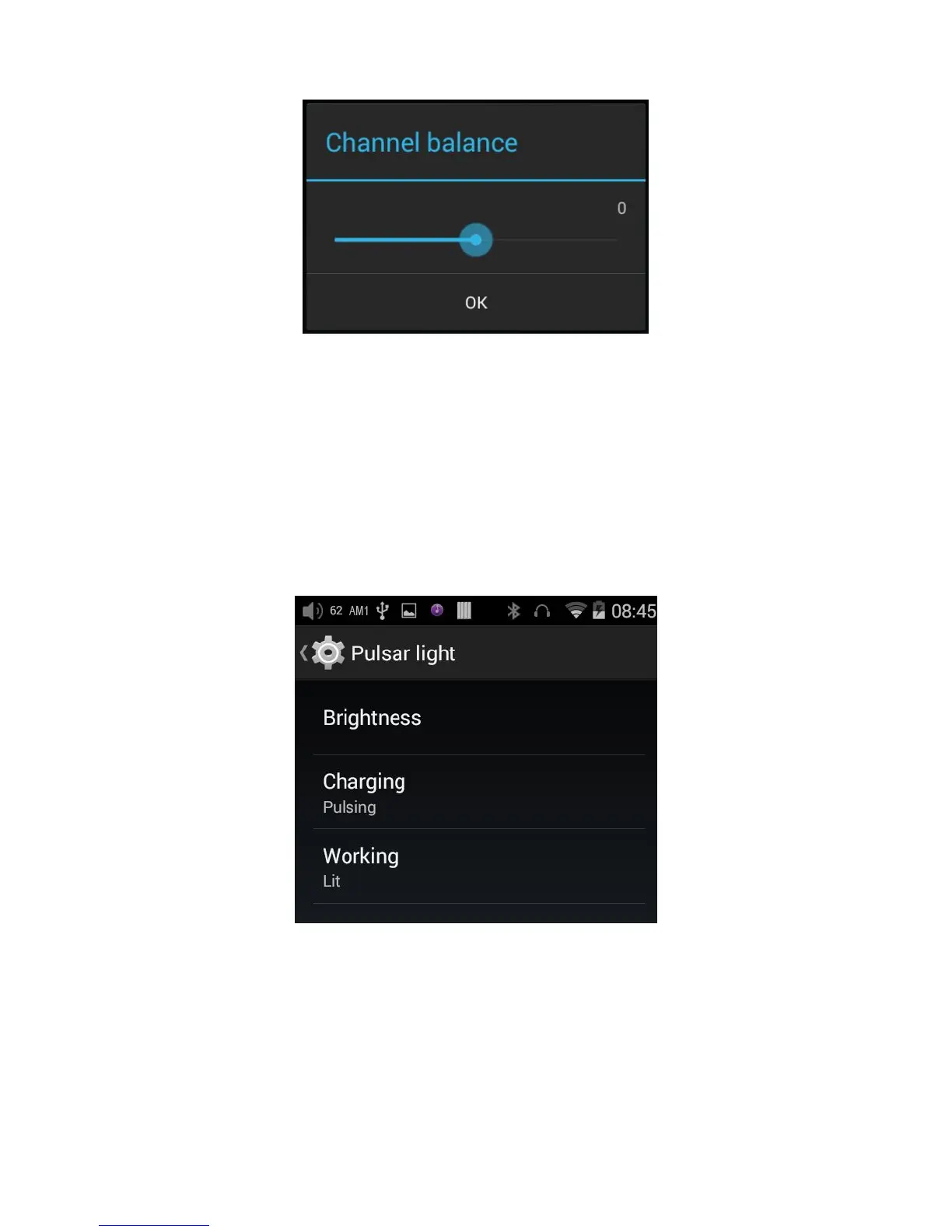
This menu item lets you customize the lighting of the pulsar light (blue horizontal light below the
touchscreen and FiiO logo).
The brightness of the light can be adjusted in 256 steps.
The light can be set to light steadily (Lit), pulse slowly on and off (Pulsing), or not light (Off).
Different setting can be made when the X7 is Charging, and when it is Working (powered on).



 To Next Page