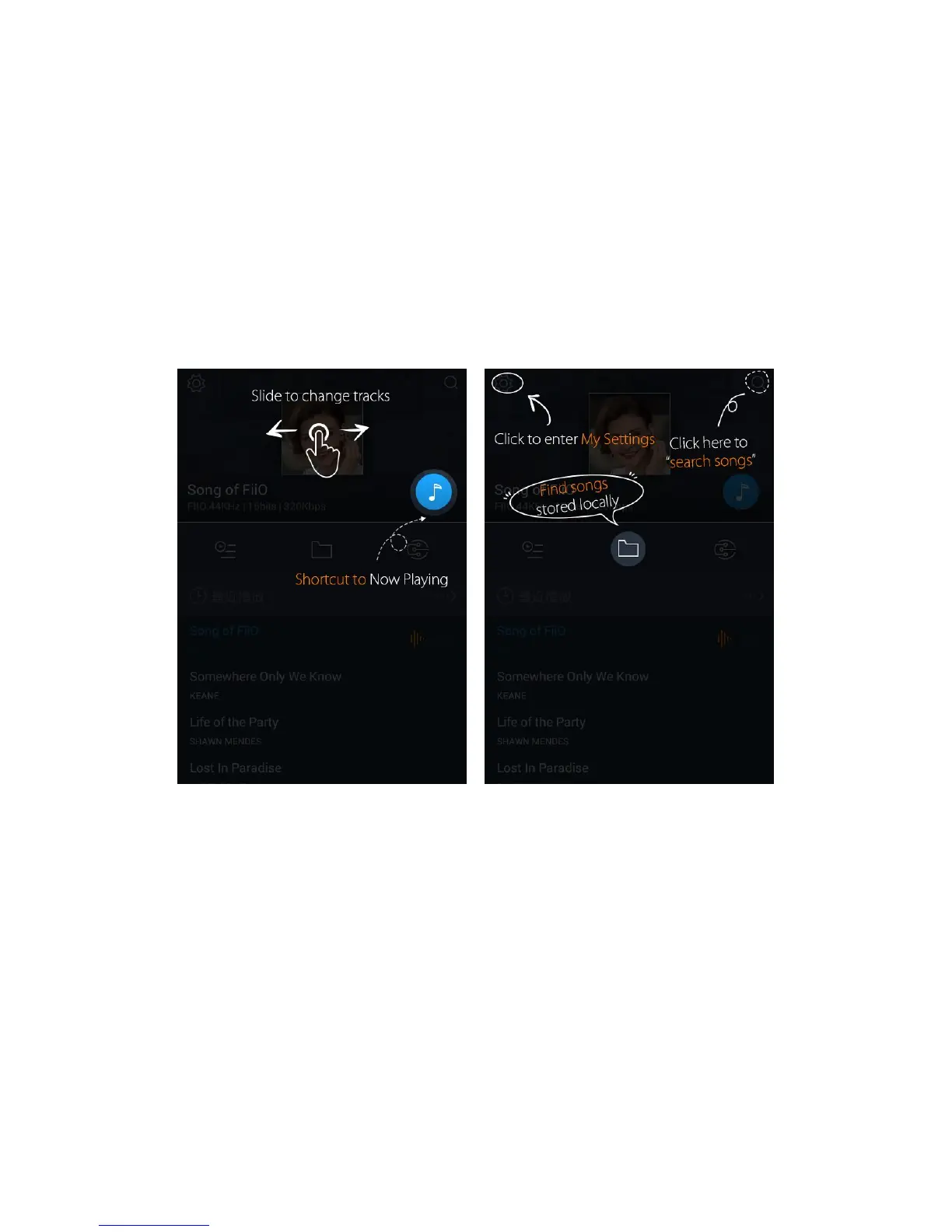
On launching the FiiO Music app, the following homepage appears (shown with guide annotations
here). The following functions can be performed on the homepage:
Random track: Tap the album art window at the top to play a random song from your collection
(media library scan must be completed first); slide your finger left over the window to switch to the next
track, or right for the previous track;
Shortcut to Now Playing: tap on the round music note button to the upper right to jump to the Now
Playing screen (for which operation is detailed further below);
Settings: tap the cog icon to the upper left to show various app settings options;
Search: tap on the magnifying glass icon at the upper right corner to quickly search for a song in your
X7;
Play playlists: Tap the list icon on the left to browse playlists, including Favorites playlist and other



 To Next Page