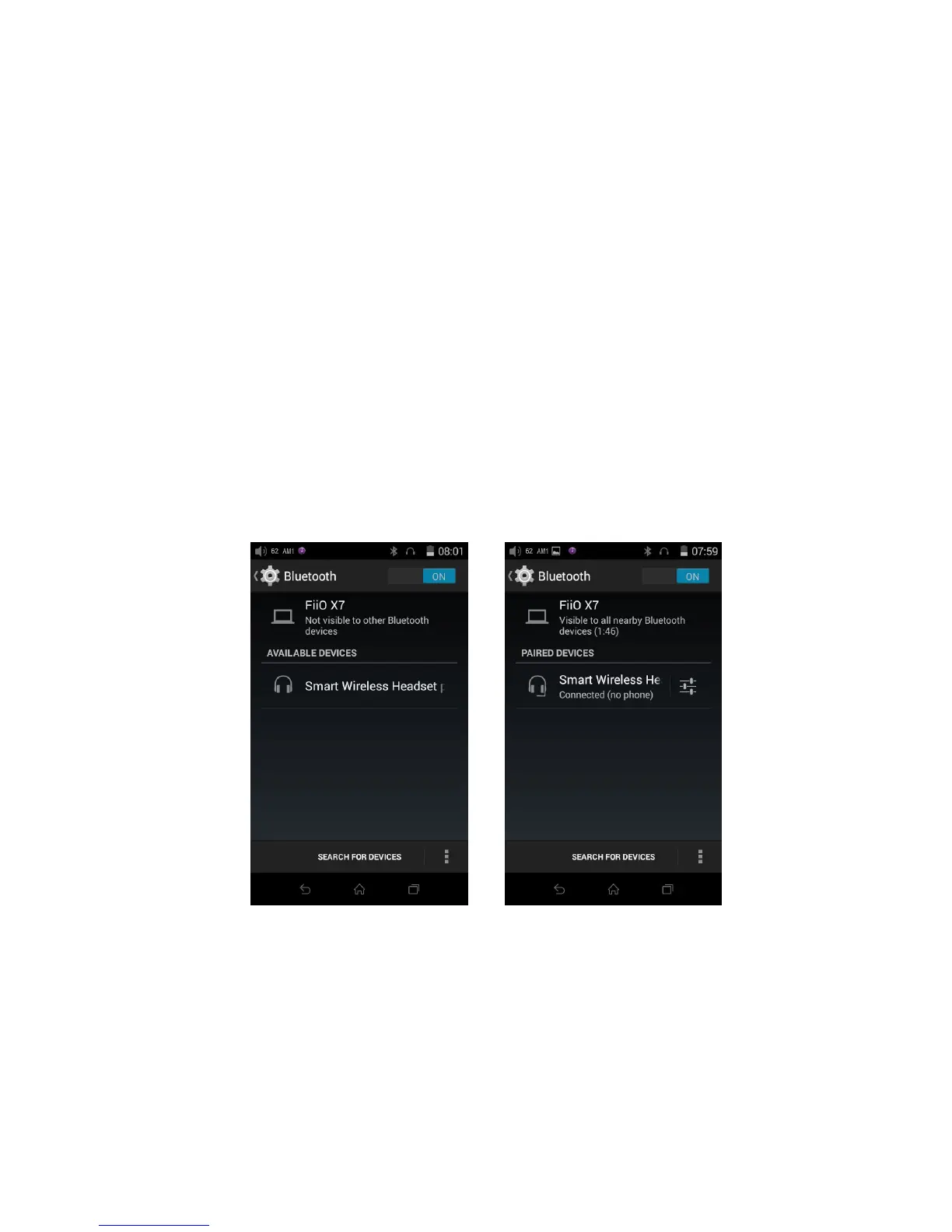
To use the X7 with new Bluetooth devices (e.g. Bluetooth earphones, speakers, remote controls), the
X7 must first be paired with the device as follows:
1) Pull down the status menu from the upper right of the touchscreen and hold your finger on the
Bluetooth icon to open the Bluetooth settings menu;
2) If Bluetooth on the X7 is off, turn it on by flicking the switch on the upper right to the “ON”
3) Turn on your Bluetooth device’s pairing broadcast function (refer to your device’s user manual for
4) Tap “SEARCH FOR DEVICES” at the bottom of the screen to have the X7 search for and display
nearby Bluetooth devices;
5) Tap the name of your Bluetooth device to pair with it. Successfully paired devices will appear
under the “PAIRED DEVICES” list:
A. If you’re looking for the X7 with another Bluetooth device (e.g. sending files from another device to the X7 via
Bluetooth), tap “FiiO X7: Only visible to paired devices” to change it to “Visible to all nearby Bluetooth devices” to



 To Next Page