- 21 -
English
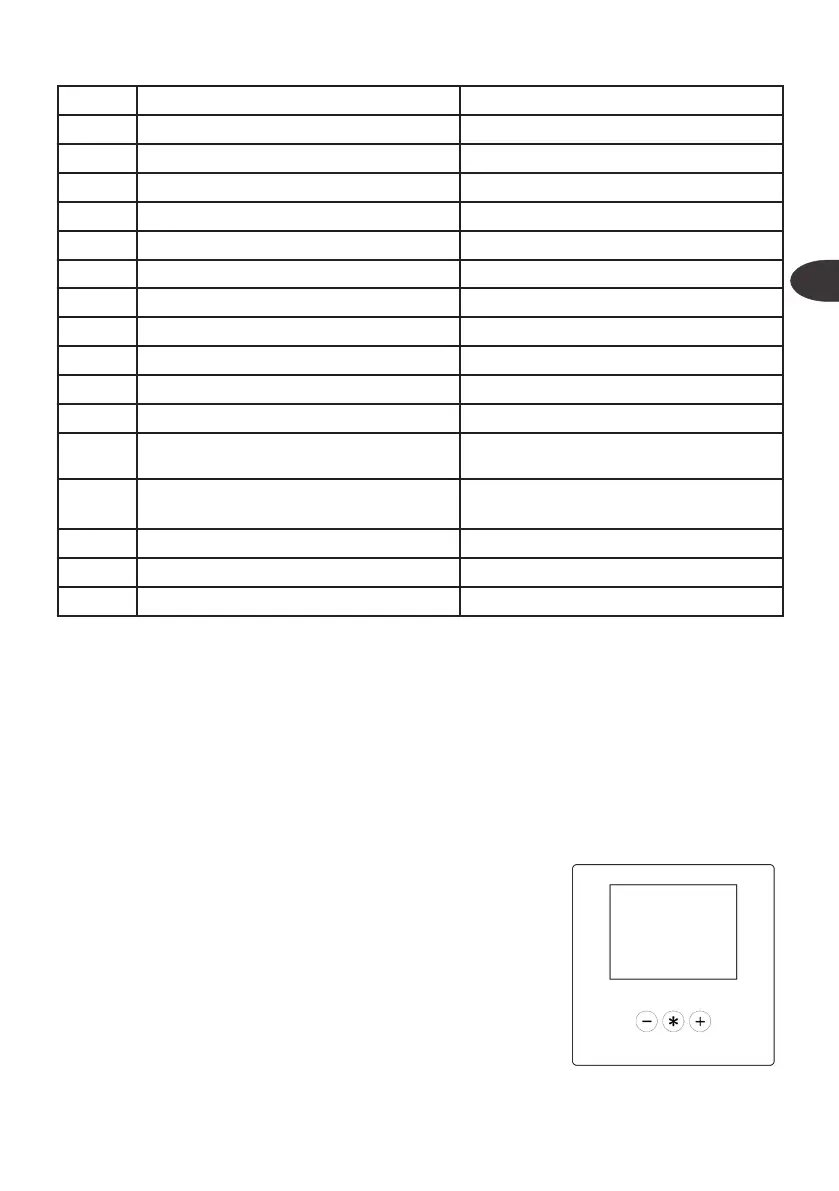
6 Conductivity sensor Cable with integrated sensor
7 Litres counter sensor Cable with resin-coated sensor in manifold
8 Power board Setting dip switch (both at 0)
9 Maximum pressure switch Yellow cables with faston 6.3m
10 Anti-flooding White / black cable with welded sensor
11 LCD Icon - Flooding
12 LCD Icon – Active Bluetooth connection
13 LCD Icon – Machine alarm
14 LCD Icon – Lock
15 LCD Icon – Permeate quality
16 LCD Icon – Permeate flow rate
17 LCD Icon - Exhausted filter
18 LCD
Time Icon - Time until filter change (in
days)
19 LCD
Flow Rate Icon - Litres until filter change
(in %)
20 LCD Icon – Input pressure
21 LCD Icon - Pump pressure
22 Display board
Setting dip switch (NOT USED)
FILTER MANAGEMENT
The board manages the lter. The capacity can be set based on the quantity of water
processed and the time past.
When the lter runs out, the icon (9) will be ashing, the board can lock or not, based
on the conguration.
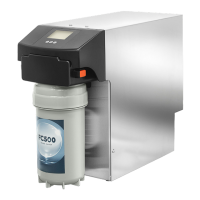
To reset, use the RO-Check app. Alternatively, if the application is not available, you can
reset it using the pin: press the * key for 5 seconds, edit the numbers with + and -, pass
to the following number with *. If the pin is correct, when the * key is pressed, the lter
parameters will be reset to zero and oooo will be displayed; if the pin is not correct, the
display will show Err.
RO-CHECK APP
The system is fully congurable using the RO-Check app,
in particular
• Home: read and calibrate the sensors, counters and
statistics
• Settings: basic conguration and password
• Installation: production and installation data
• Records: see errors and intervention records
• Support: contact support, download the manual, trou-
bleshooting guide


 To Next Page