© Copyright A+D Supplies 2017 A+D Supplies, Marsh House, Brunel Road, Newton Abbot, Devon, TQ12 4PB www.adswsupplies.com
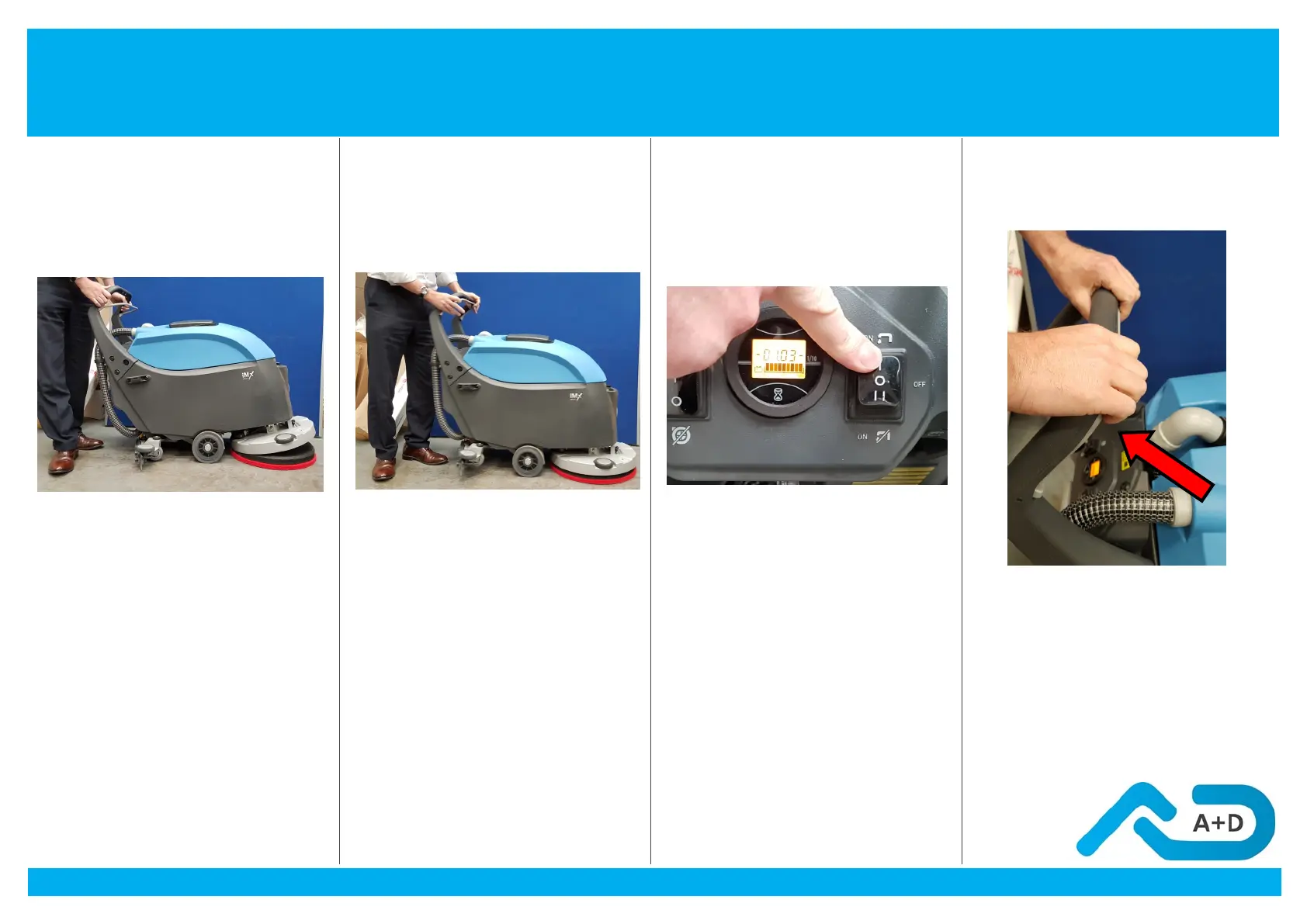
9. Place Drive
Board on Floor
10.Place Machine
Over Drive Board
11. Switch the
Machine On
12. Engage Drive
Board
Place the drive board on
the floor in front of the
machine with the floor pad
face down as shown
Place the machine over the
drive board and push
handle up
Switch the machine on by
pressing the button above.
Ensure you use the I
setting at the top of the
switch.
Push the handle forward to
engage the drive board.
Squeeze and release the
start D handle three times
to engage
Setting Up the Machine Before Use



 To Next Page