Input Range Beeper On If
400Ω Approx. < 35Ω
Table 1. Beeper Response in Continuity Test
The continuity mode is extremely fast and can be used to
detect either shorts or opens that la
s
t for as little as 100
milliseconds. When a change is detected, the beeper tone
is “stretched” to last at least 1/4 second, so you can hear it
and detect both shorts and opens.
This can be a valuable troubleshooting aid when looking for
intermittents associated with cables connections, switches,
relays, etc. If the test value is very close to the threshold,
erratic beep
s
can also oc
c
ur due to environmental
electrical noise (EMI).
5.11 Using Soft
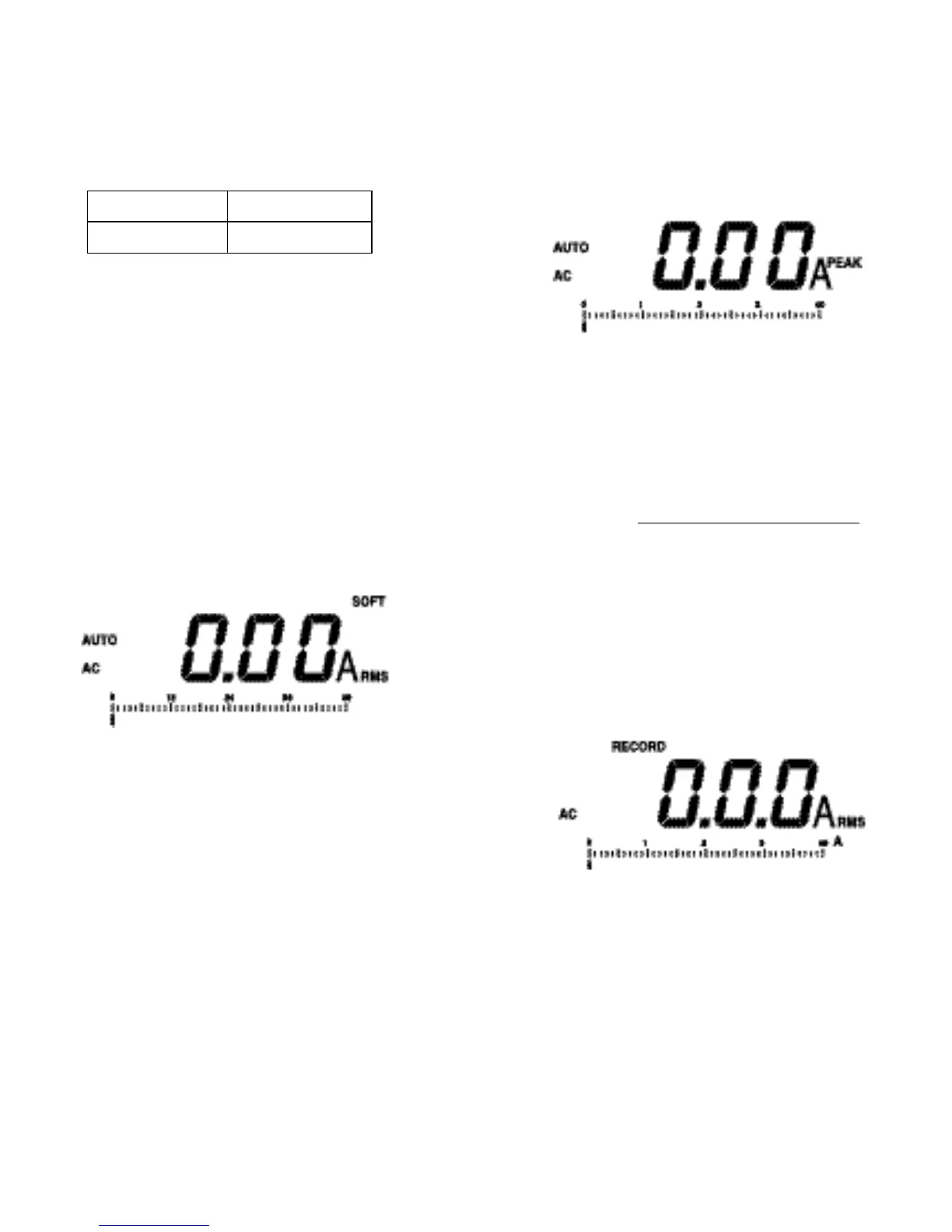
Observe that SOFT is disp
l
ayed after pressing the SOFT
CREST pushbutton once. This SOFT mode digitally
displays a running average of readings over 3-second
interval to reduce the fluctuation of the readings. The bar
graph is unaffected by this SOFT function and updates 20
times each second.
SOFT function can be used for ampere readings or voltage
readings.
Press the SOFT CREST pushbutton twice when in the AC
or DC amperes mode, or once when in the voltage mode,
in order to exit SOFT.
1716
5.12 Using Crest
Observe that PEAK is displayed after pressing the SOFT
CREST pushbutton twice. PEAK is available for AC
ampere readings only and can not be selected when in the
other modes.
Both the digital display and bar graph measure the ha
l
f-
cycle peak AC amperes when PEAK is displayed.
The crest factor of a waveform is the ratio of its half-cycle
peak amperes to its rms amperes.
Crest Factor =
The Crest Factor is a nominal 1.414 for linear current flow
without current wa
v
e distortion. Crest Factors other than
1.414 indicate the presence of harmonic current flow. (See
6.1 Non-Linear Loads.)
Press the SOFT CREST pushbutton once to exit CREST.
Then, PEAK is no longer displayed.
5.13 Enabling Record
To enable RECORD, Press the MIN MAX pushbutton. The
blinking RECORD is displayed.
Half-Cycle Peak Amperes
RMS Amperes



 To Next Page