OPERATOR’S MANUAL
8
The smartest safe lock in the business.
3.4 KEYS AND USERS
Refer to the key chart and Section 2.5 for more information about types of keys
and users. The Store Manager, Area Manager, and Owner keys are the only
keys with permission to delete other keys. This procedure shows an Area Man-
ager key.
3.4.1 Delete Key
By deleting a user, their user number becomes available for assignment to a
new user. Meanwhile, it disables the user number. Managers may delete any
user except User 30.
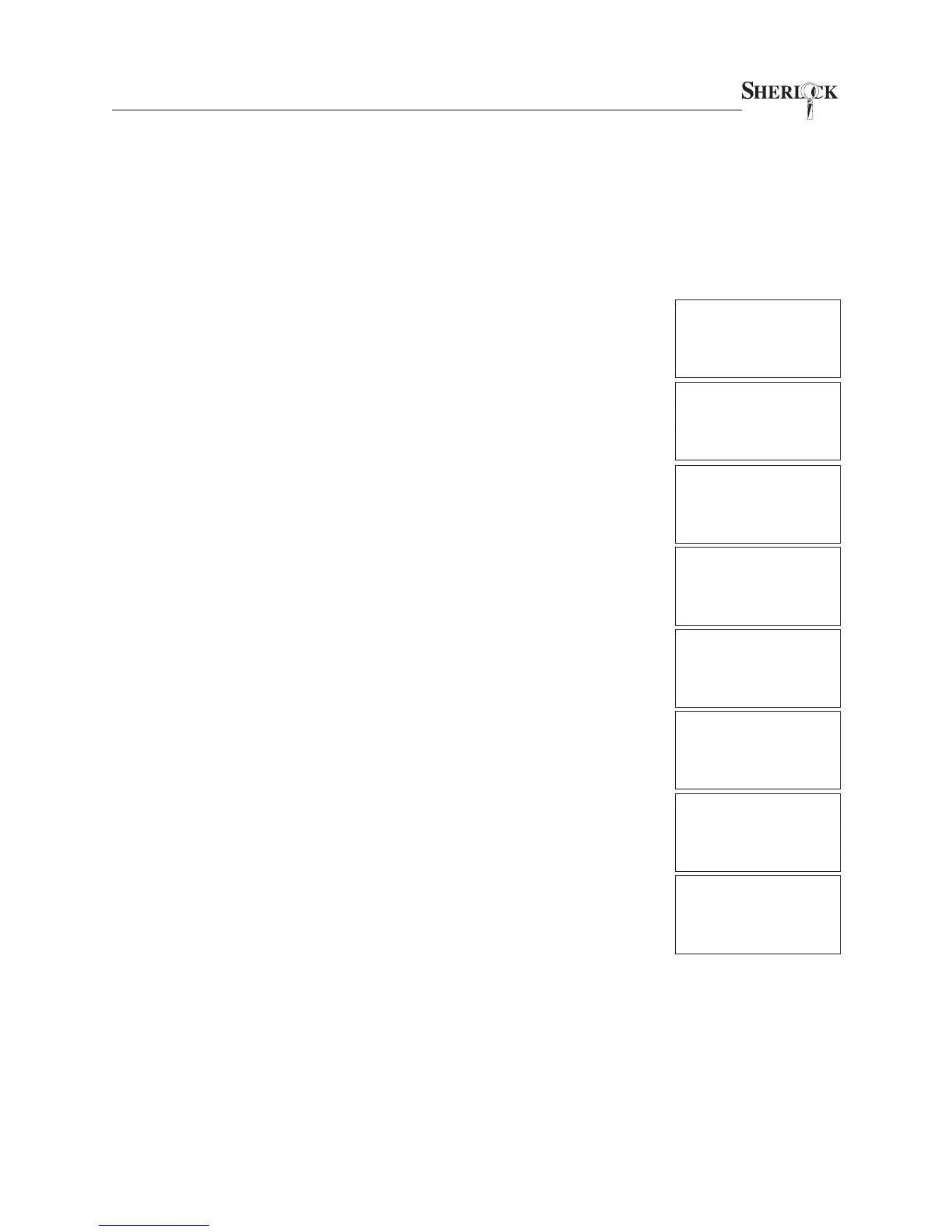
1. Present key.
2. Enter your 4 digit PIN code.
3. If the user logging in is the Store Manager, select ADMINISTRA-
TION (press “2”).
4. Select KEYS (press “2”).
5. Select DELETE (press “2”).
6. Enter the two-digit user number to be deleted.
7. You will be prompted to verify your decision. To continue with delet-
ing the user select YES (press “1”).
8. The display will briefly indicate the user is deleted, then will return
you to the Keys screen. Remove your key to return to the idle screen.
USER #30
CODE? ____
PRESS # TO EXIT
07/22/02 08:40 A
ADMIN: AUDIT=1
KEYS=2 TIMES=3
TIMELOCK SET=4
CODES:CHG. PIN=1
DELETE=2 ADD=3
EMP COUNT=4
DELETE #__
DELETE #01?
DELETE YES=1 NO=2
DELETE #01?
***DELETED***
CODES:CHG. PIN=1
DELETE=2 ADD=3
EMP COUNT=4
Sherlock
SYSTEM READY
MONDAY
07/22/02 08:40 A


 To Next Page