OPERATOR’S MANUAL
17
The smartest safe lock in the business.
3.10 PRINTING DATA
Users with appropriate permission may print audit trail data, timelock setup
data, and employee key count data. A standard serial line printer must be
connected to Sherlock via the front panel RJ11 connector. Connect the printer
and ensure it has power, paper, ribbon, etc., before attempting to print. Sher-
lock data output is 2400 baud, 8 data bits, no parity, 1 stop bit. The following
procedure includes the additional steps which you will need to follow whenever
printing, regardless of which data you are printing.
1. After choosing to PRINT, your data (audit, timelock, or employee
count) you will be prompted to connect the printer. Make sure the
printer is connected and ready to print.
2. Select READY (press “1”) to begin printing. If a problem occurs
and you need to cancel the procedure, select RESET (press “2”).
3. Once printing begins you may manually stop the printing by press-
ing any number.
4. If the display indicates NO PRINTER CHECK, there is a problem
with the printer or its data connection. Check your hardware setup
and select RETRY (press “1”) when you believe your setup is cor-
rect.
5. When Sherlock has finished printing a message will appear briefly
on the screen to advise you, then remove your key and it will return
to its normal idle display.
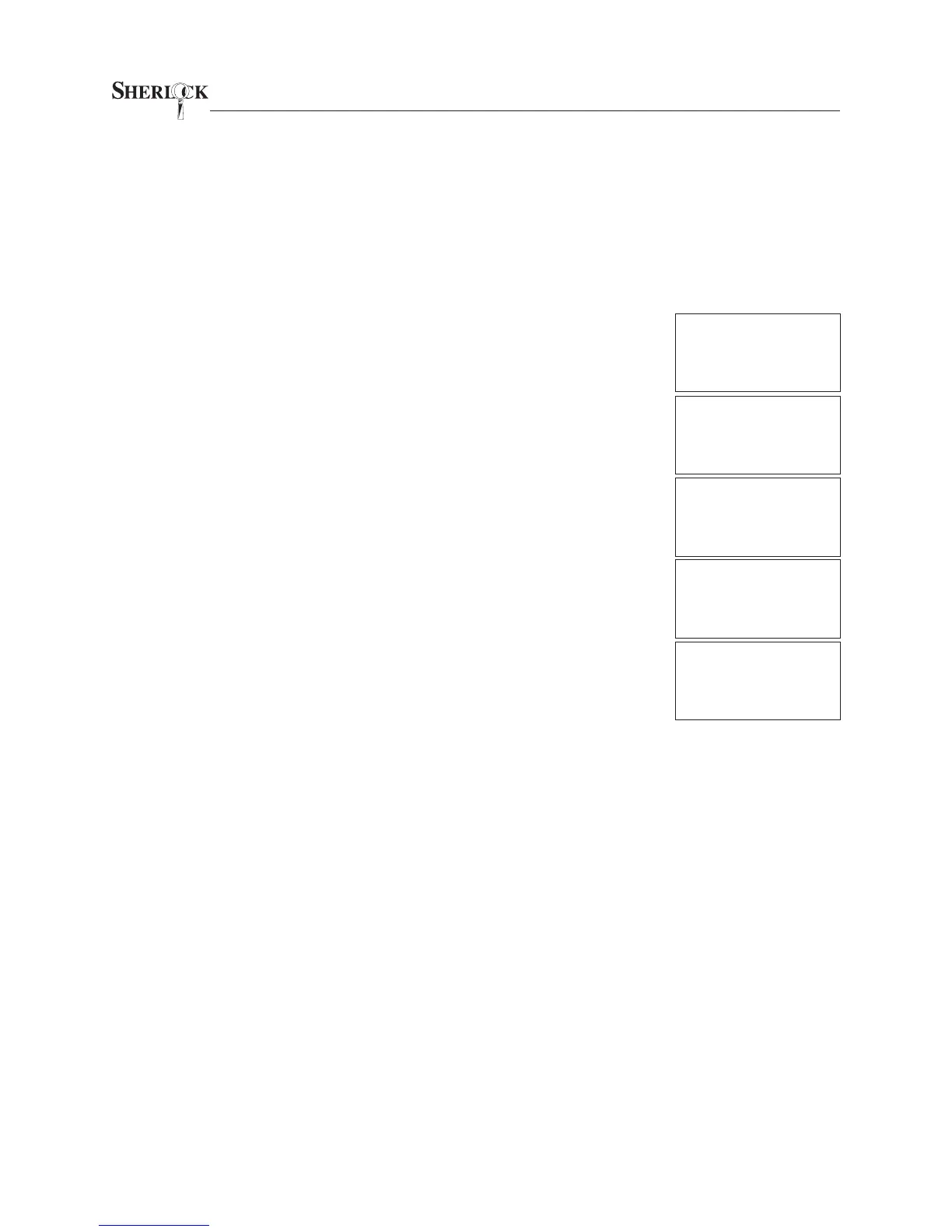
CONNECT PRINTER
READY=1 RESET=2
PRINTING AUDIT
CANCEL = ANY KEY
MONDAY
07/22/02 08:40 A
NO PRINTER CHECK
RETRY=1 RESET=2
AUDIT PRINTOUT
COMPLETE
MONDAY
07/22/02 08:40 A
Sherlock
SYSTEM READY
MONDAY
07/22/02 08:40 A


 To Next Page