Mounting Surface Mount Backbox
23
Document 51338 Rev. B 08/24/05 P/N 51338:B
3.3 Surface Mount Backbox
Remove the plug-in terminal blocks from the LCD-80F circuit board.
Connect the EIA-485 and power wiring into the terminal block positions
illustrated in Figure 1-2 on page 9, Figure 4-1 on page 24 and Figure 4-
2 on page 25. Plug the terminal blocks back into the P2 and P1 connec-
tors on the back of the annunciator circuit board. Set DIP switch SW1
for the desired options. Refer to Figure 1-4 on page 13.
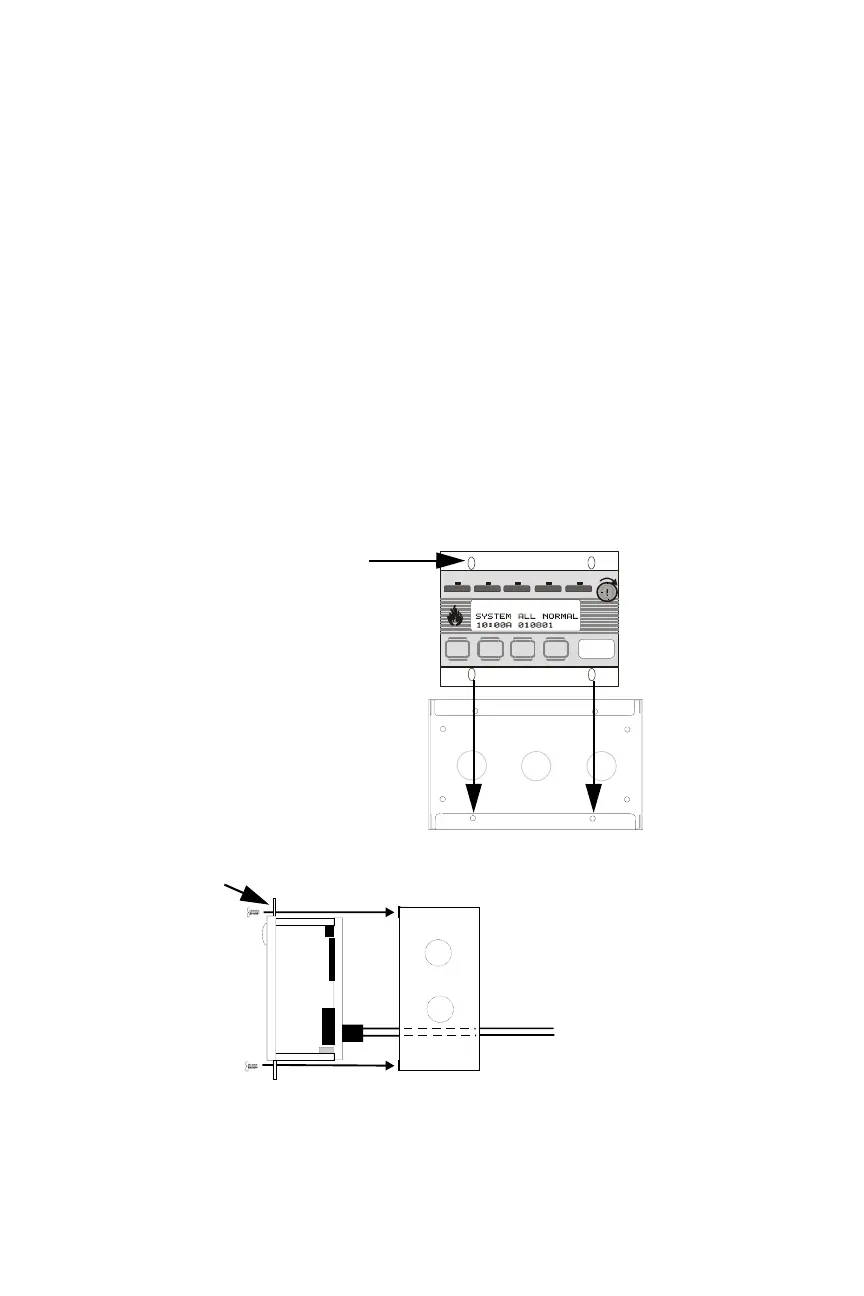
Carefully insert the LCD-80F into the three-gang electrical box and
attach it using the four mounting holes on the LCD-80F flange and the
four screws provided for this purpose. Replace the trim ring and secure
with the two screws which were previously loosened. Do not
overtighten.
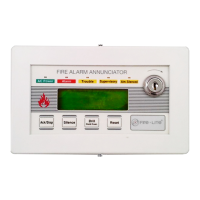
Ack/Step
Silence Reset
Drill
Hold 2 sec.
FIRE ALARM ANNUNCIATOR
lm. SilencedSuper visor yTro u bl eAlarmAC Power
Figure 3-5: Surface Mounting
LCD-80F flange
Mounting holes (4)
The LCD-80F can be surface mounted in a
three-gang electrical box, P/N SBB-3 or equiv-
alent, with a minimum depth of 2.75".
LCD-80F
Three-gang surface box P/N SBB-3
flange
EIA-485 and power wiring
LCD80flg.cdr
Sbb-3.cdr
Lcd40box.cdr


 To Next Page