MP-3435 / MP-3432 System manual v
ersion 0.3
28
TouchKit Control Panel
This section explains the different options in the TouchKit control Panel.
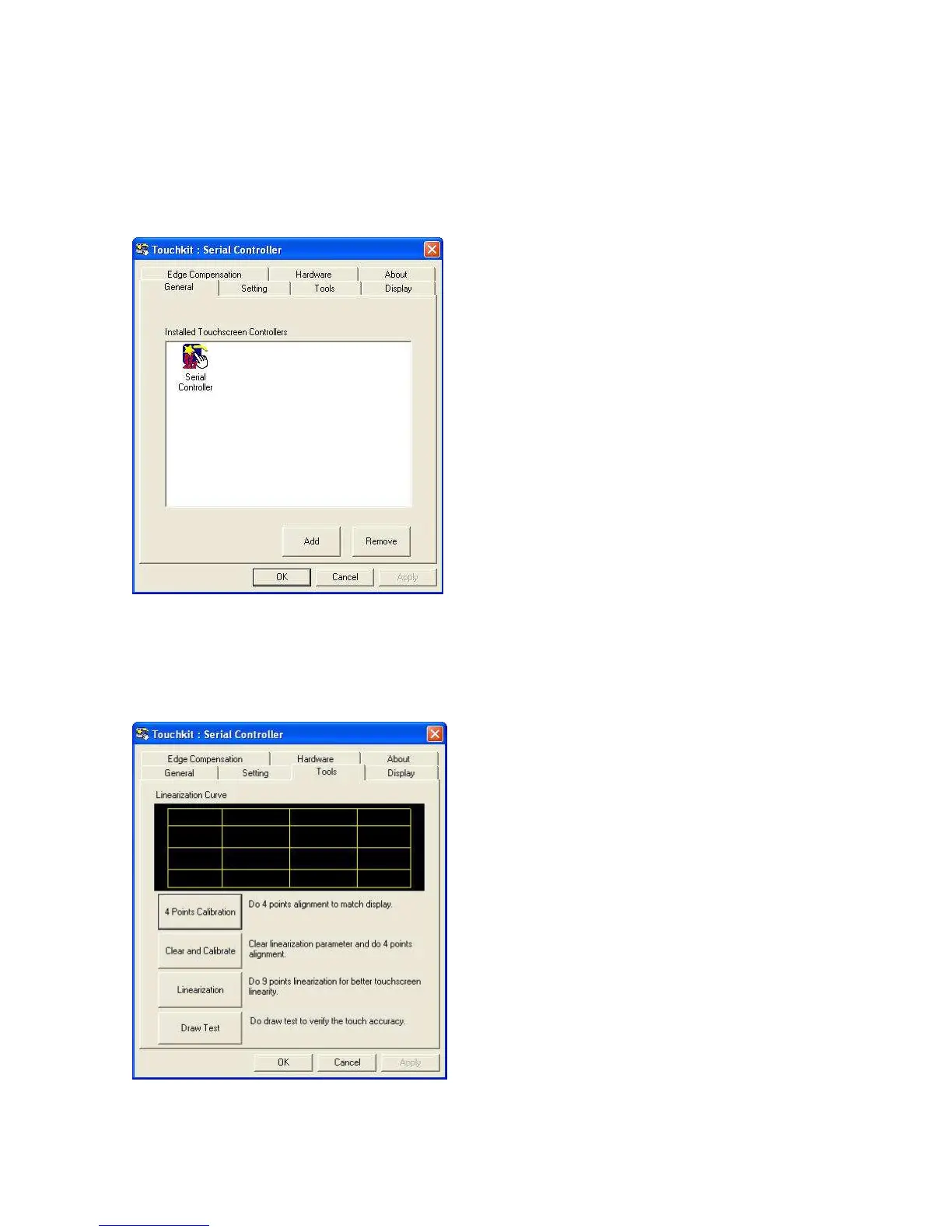
General tab
The general tab allows you to:
• Manage the touch screen controller you installed.
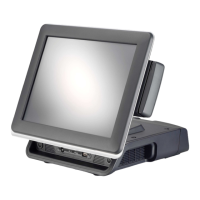
Tools tab
The tools tab allows you to:
• Calibrate the touch screen with the 4 Points Calibration button.



 To Next Page