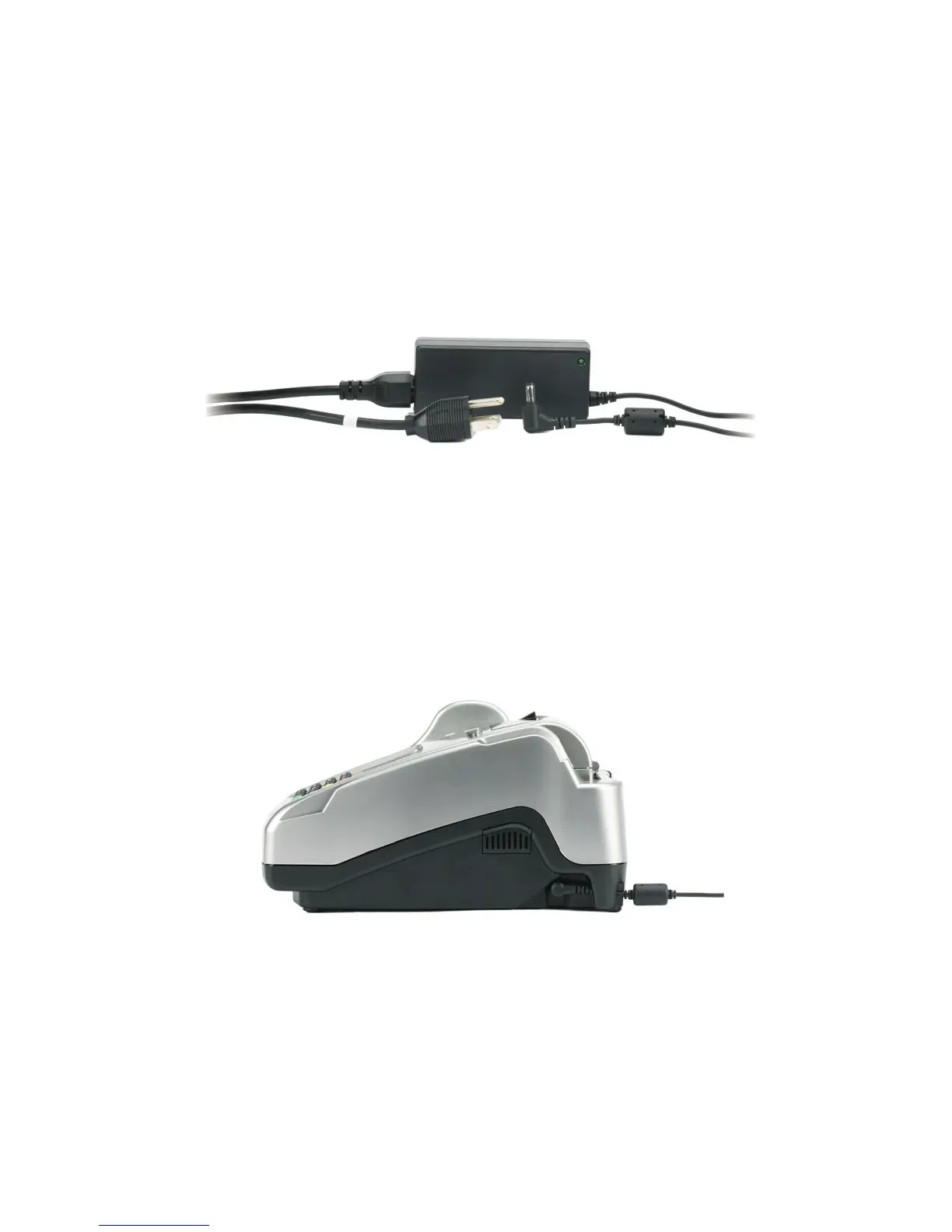
Plug in the power
Before using the power supply, please connect all peripherals
to the terminal. Not doing so may result in damage to the unit
or connected devices.
Connectthepowercordtothepowersupplyviathethree-prong
endandreceiver.
Adapter spec:DELTA:SADP-65KBB
Input:100–240Vac,50–60Hz1.5AOutput:19Vdc,3.42A
Operating Temperature:0°Cto40°C
Battery spec: 3V,CR2032
Caution:Riskofexplosionifthebatteryisreplacedbyanincorrecttype;useonlythe
sametypeofbatterytoprotectagainstfire.Pleasedisposeofusedbatteryaccording
tolocalregulations.
Caution:UseonlyshieldedsignalcablestoconnectI/Odevicestothisequipment.
Youarecautionedthatchangesormodificationsnotexpresslyapprovedbytheparty
responsibleforcompliancecouldvoidyourauthoritytooperatetheequipment.
Warning:ThisisaClassAproduct.Inadomesticenvironmentthisproductmaycause
radiointerferenceinwhichcasetheusermayberequiredtotakeadequatemeasures.
Findthepowerinputontherightsideoftheterminal.
Connectthesingle-poleACadapterplugtothepowerinputat
therightsideoftheterminal.Turntheplugsothatcordisdirected
towardthebackoftheterminal.
Thepowersupplyshouldbethelastitemconnectedtotheunit.
Plugtheadapterintoasurgeprotector(stronglyrecommended)
orastandard120Velectricaloutlet.
10



 To Next Page