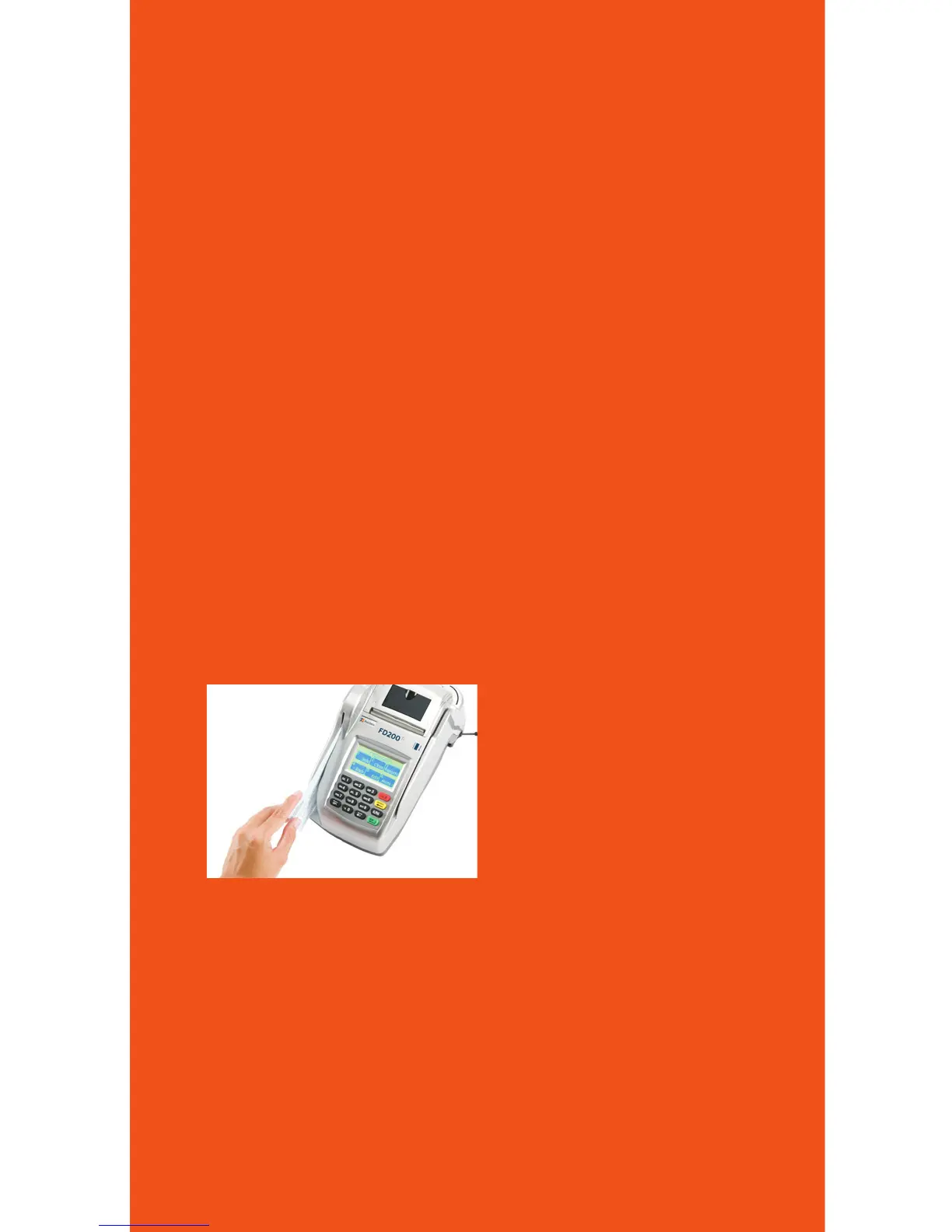
Using the card reader
Withtheidlemessagedisplayed,selectthedesiredtransaction
type.Insertthecardintothecardreaderslot,withthemagnetic
stripelyingintheslotandfacingtheterminal.
Slidethecardineitherdirectionthroughtheslotwithoutstopping.
Ifthecardswipefails,checkthepositionofthemagneticstripe
andslidethecardagain.Iffailurepersists,thecard’sstripemaybe
damaged,userwillhavetomanuallyentertheaccountnumberon
thekeypad.
Followremainingpromptsonthedisplaytocompletethetransaction.
Refertoquickreferenceguidefordetails
Using the check reader
Insertthecheckslightlyintothecheckreaderslotfromleftend
oftheterminal,withthefrontofcheckfacingtheterminal.The
terminalwillautomaticallyprocessthecheck,oncedoneremove
fromterminal.
Using the keypad
Throughthekeypad,theusercanselecttransactiontypesand
enterinformation.TheFD200
Ti
has16keysthatcanbeusedto
selectnumbers,letters,andtoenterdata.
Toenternumbersorletters,simplypresstheappropriatekey.
Forexample,totypetheletterA,press[ALPHA];thenthenumber
2key.Forthesecondletteronthekeyboard,suchasB,press
[ALPHA]twicethen[2].OrforCpress[ALPHA]threetimesthen[2].
11



 To Next Page