35
Keypad Lock
The keypad lock function prevents accidental frequency changes and function activation.
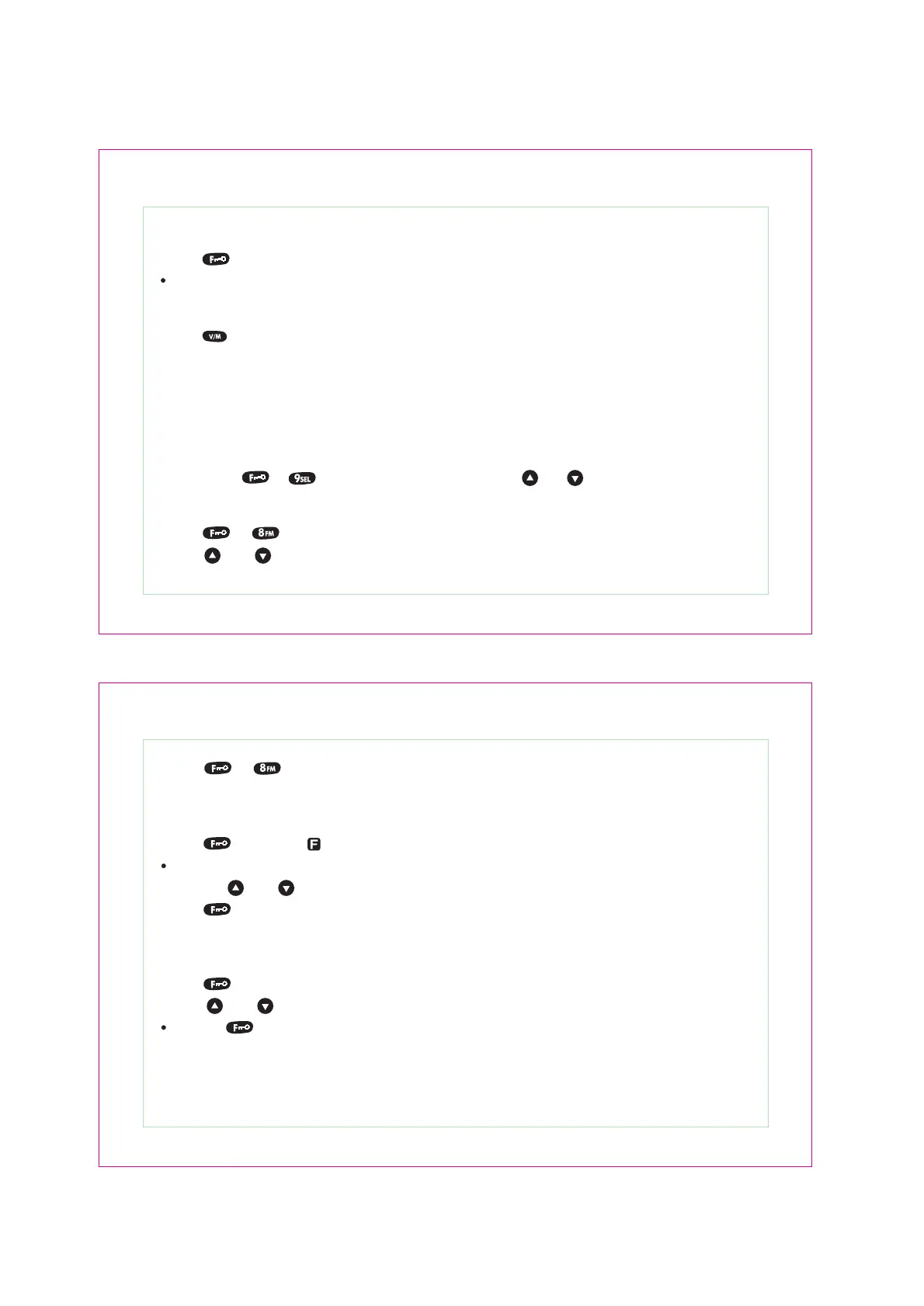
1. Press [ ] key (two seconds) to open or close this function.
The lock icon will appear on LCD when this function is activated.
Memory Channel Number Input
1. Press [ ] key to enter the memory channel mode.
2. Press number key to input the memory channel numbers (3 digits).
Example, you can input “003” as memory channel number.
Lamp Function
To illumine the LCD and keypad press [ LAMP ] key. The lamp will be cut off automatically after releasing
the [ LAMP ] key about five sec. Press any key except [ LAMP ], the LCD will be lighted again. To keep the
light ON, press [ ], [ ] to enter the menu, then use the [ ] / [ ] keys to set the menu 8.
FM RADIO Function (optional function)
1. Press [ ], [ ] keys to activate the FM radio function, the RADIO frequency shows on the LCD.
2. Press [ ] / [ ] keys to adjust the frequency of FM RADIO, or input the frequency by keypad directly.
(Frequency range is from 87.500MHz to 107.950 MHz).
3. Rotate the power/volume knob to adjust the volume.
4. Press [ ], [ ] keys to deactivate this function.
36
FM Radio Channel Store (optional function)
1. Under the VFO frequency of FM RADIO
2. Press [ ] key, then “ ” is blinking on the LCD.
One memory channel number appears.
3. Press the [ ] / [ ] keys to enter the memory channel numbers.
4. Press [ ] key to finish the store.
Setting RADIO Memory channel (optional function)
25 RADIO memory channels available
1. Press [ ] to enter the FM memory channels.
2. Press [ ] / [ ] to select the desired channels.
Press the [ ] key again back to VFO mode.


 To Next Page