settings
cntd.
Check total hours used
1. Turn the AquaBed Water Heater OFF.
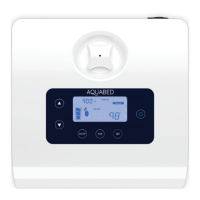
2. Hold the TIME button for 2 seconds. The total time used will appear in the top left of the screen.
Setting up child-lock mode
The AquaBed features a child-lock safety feature that locks all the buttons and functions in place on your
AquaBed Water Heater.
How to Lock - Hold the UP and DOWN buttons simultaneously for 3 seconds. The LOCK status will
appear on the screen. (all buttons are now disabled).
How to Unlock - Hold the UP and DOWN buttons simultaneously for 3 seconds. The LOCK status will
disappear from the screen (all buttons are now active).
AB550 User Guide
12


 To Next Page