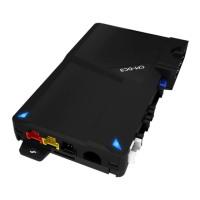
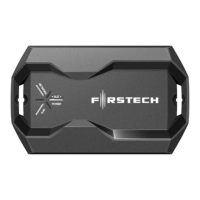
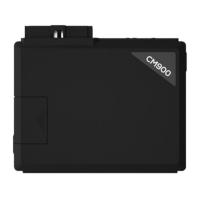
Patent No. US 8,856,780 CA 2759622 DC3 Product Guide
GETTING STARTED - 1 OF 1
TABLE OF CONTENTS
DC3 Product Guide
Module Layout
3
Tach Programming Procedure
4
Module Diagnostics
5-6
Remote Starter Error Codes
7
Alarm Error Codes
8
Module Reset Procedure
9
Installation Checklist
10-11
Compatible Accessories
12-13
Remote Programming Procedure
14
Valet Mode Programming Procedure
15
WELCOME
Congratulations on the purchase of your DC3
solution. You are now a few simple steps away
from enjoying your new remote starter unit with
enhanced features.
Before starting your installation, please ensure that
your DC3 module is programmed with the correct
fi rmware for your vehicle and that you carefully
review the install guide.
NEED HELP?
1 866 427-2999
support@idatalink.com
idatalink.com/support
www.12voltdata.com/forum
www.facebook.com/groups/idatatech
www.idatalink.comAutomotive Data Solutions Inc. © 2022 DC3
PAGE 2 OF 15
• 20220113





 To Next Page