EasyManua.ls Logo

fischertechnik Plus - User Manual

fischertechnik Plus
112 pages
Go to English
Print Icon
To Next Page IconTo Next Page
Loading...
Bedienungsanleitung
Instruction Manual
Mode d‘emploi
Gebruiksaanwijzing
Manual de instrucciones
Instruções de operação
Manuale di istruzioni
Инструкция по эксплуатации
操作说明书

Table of Contents

Questions and Answers

Summary

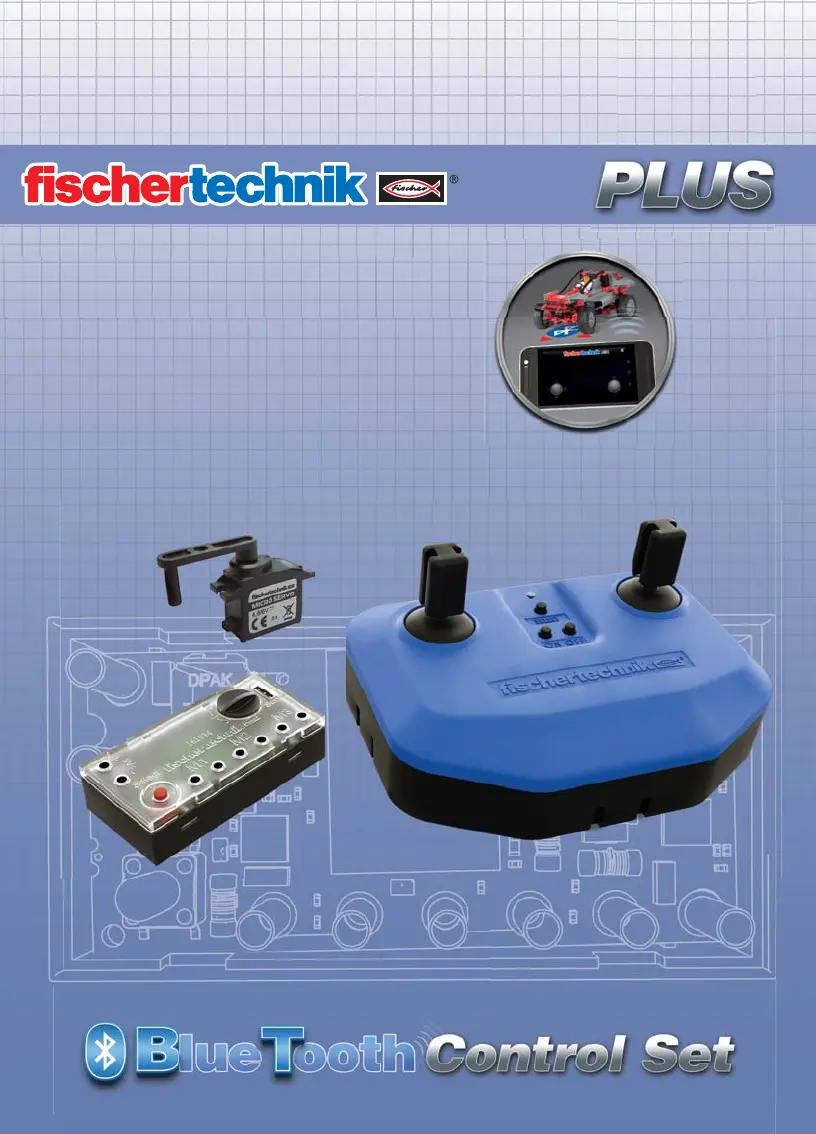
The Bluetooth Control Set

Coupling the Transmitter with the Receiver (Pairing)

The Transmitter

Power Supply

Details the required 9V block battery for operating the transmitter.

Left Joystick Control

Explains how the left joystick controls motors M1 and M2 for speed and direction.

Right Joystick Control

Explains how the right joystick controls motor M3 and the servo for steering.

Transmitter LED Status

Describes the transmitter's LED status light and its meaning.

Transmitter Flash Codes

Lists and explains the different flash codes displayed by the transmitter's LED.

Transmitter Button Operations

Select Button Functionality

Details the functions of the select button for frequency switching and pairing mode.

ON;OFF Button Operation

Explains how to turn the transmitter on and off using dedicated buttons.

Battery Compartment Access

Provides instructions on how to open and close the transmitter's battery compartment.

The Receiver

Receiver Power Supply Connection

Details the connection of power supply to the receiver.

Receiver Blue;Yellow LED Status

Explains the meaning of the blue and yellow LED indicators on the receiver.

Receiver Blue;Yellow LED Flash Codes

Lists and explains the flash codes for the receiver's blue/yellow LED.

Receiver Green LED Status

Explains the meaning of the green LED indicator on the receiver.

Receiver Green LED Flash Codes

Lists and explains the flash codes for the receiver's green LED.

Receiver Connections and Functions

Servo Connection Port

Details the connection of the servo to the receiver via a specific port.

Servo Trimmer Adjustment

Explains how to adjust the servo's center position using the trimmer.

Motor Output Connections

Describes the connections for motors M1, M2, and M3.

Receiver Select Button

Explains the receiver's select button functionality, primarily for pairing.

Servo

Servo Installation Procedure

Control of Caterpillar Vehicles

Individual Motor Control

Describes controlling caterpillar motors M1 and M3 independently via joysticks.

Intelligent Caterpillar Control

Explains simplified caterpillar control using the receiver's Select button.

Cruise Control Function

Cruise Control for Left Joystick

How to activate and use cruise control for motors controlled by the left joystick.

Cruise Control for Right Joystick

How to activate and use cruise control for motors controlled by the right joystick.

Disabling Cruise Control

Instructions on how to switch off the cruise control function for motors.

Pairing Two Receivers with One Transmitter

Several Control Sets in One Room

Smartphone App Bluetooth Control

Technical Data

Troubleshooting

Transmitter LED Indicators

Describes the transmitter's LED status and flash codes for troubleshooting.

Receiver Blue;Yellow LED Indicators

Describes the receiver's blue/yellow LED status and flash codes for troubleshooting.

Receiver Green LED Indicators

Describes the receiver's green LED status and flash codes for troubleshooting.

Operational Troubleshooting

Addresses issues like servo problems, pairing failures, and motor control anomalies.

Important Information

Safety Instructions

Essential safety guidelines regarding battery handling, usage, and general precautions.

Environmental Protection

Instructions on the proper disposal of the electronic device at its end of life.

Electromagnetic Interference

Information on how external electromagnetic influences can affect the control set's performance.

Product Guarantee

Details regarding the warranty provided by fischertechnik GmbH for the control set.

Warranty Claims and Terms

Intended Use and Liability

EU Declaration of Conformity

fischertechnik Plus Specifications

General IconGeneral
Brandfischertechnik
ModelPlus
CategoryPortable Generator
LanguageEnglish