28
Using the main lower oven
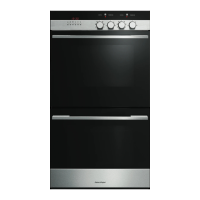
DOUBLE MODELS
Fig. 30 Function knob Fig. 31 Temperature knob
1
Select the function using the function control knob. The oven lights will come on.
2
Select the temperature using the temperature control knob. The oven temperature indicator
light, above the temperature knob on the control panel, will glow until the oven has reached the
set temperature, and then it will go out.
3
When you have finished cooking, turn the function and temperature control knobs to the off O
position.
Note: press the
button if
AUTO is flashing or steadily illuminated.



 To Next Page
 Loading...