10
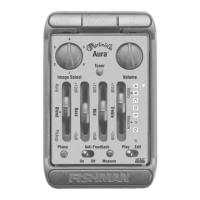
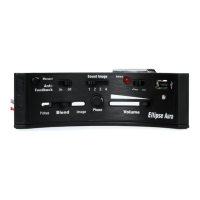
Controls
Image
Your Aura Pro is factory loaded with four Images created especially for this
instrument. Each Image corresponds to a different microphone type and
position. Contact the guitar’s manufacturer to identify the microphone
associated each Image.
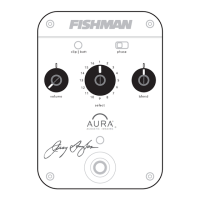
Volume
For the cleanest noise-free sound, set the Volume as high as possible without
causing your amp or mixer to distort.
Blend
Use the Blend slider to set the balance between the pickup and the Image.






 To Next Page
