International +00 1 508-435-2115 www.shmancorp.com 12International +00 1 508-435-2115 www.shmancorp.com
International +00 1 508-435-2115 www.shmancorp.com
11
4.4 On home screen tap/click on the
LDS9000
®
Traditional mode icon.
4.5
On SmartDispenser
®
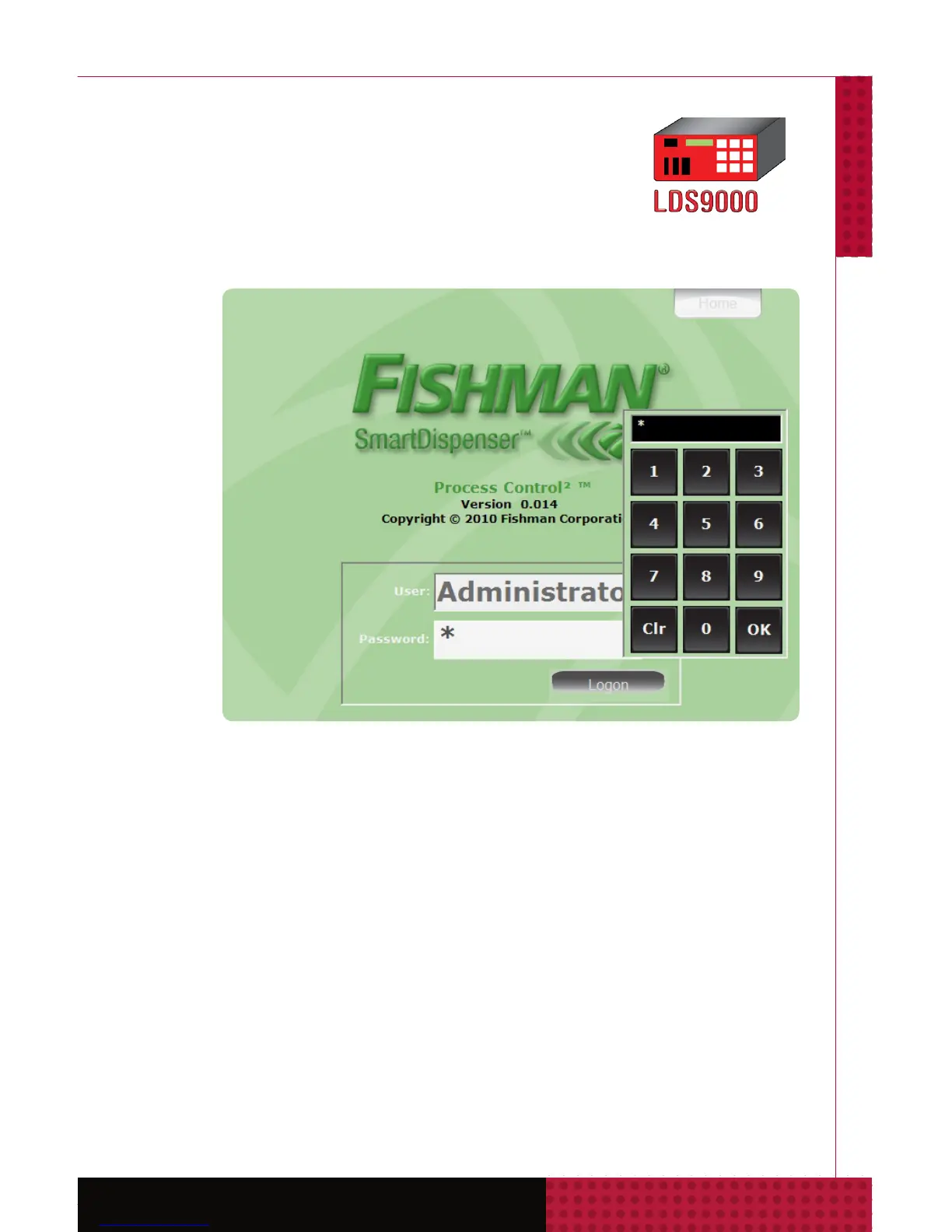
Logon screen select
Administrator from drop down menu. Tap/click
password 1234, tap/click OK, tap/click Logon button.
Access the Admin button and select the Settings
tab. Conrm CORRECT settings for Machine Use
Options and Prime Step Count Transfer Method.
If Dispensing Only is selected click on the System
tab and enter a machine name.
Traditional



 To Next Page