International +00 1 508-435-2115 www.shmancorp.com 10
International +00 1 508-435-2115 www.shmancorp.com 10
International +00 1 508-435-2115 www.shmancorp.com
9
4.0 Startup and Logon to the
LDS9000
®
Traditional Mode
of SmartDispenser
®
4.1 Press the black startup button
N
on the front of
the SmartDispenser
®
. The green power light will
illuminate
O
. The Windows 7 operating system
will now begin to boot up and in approximately
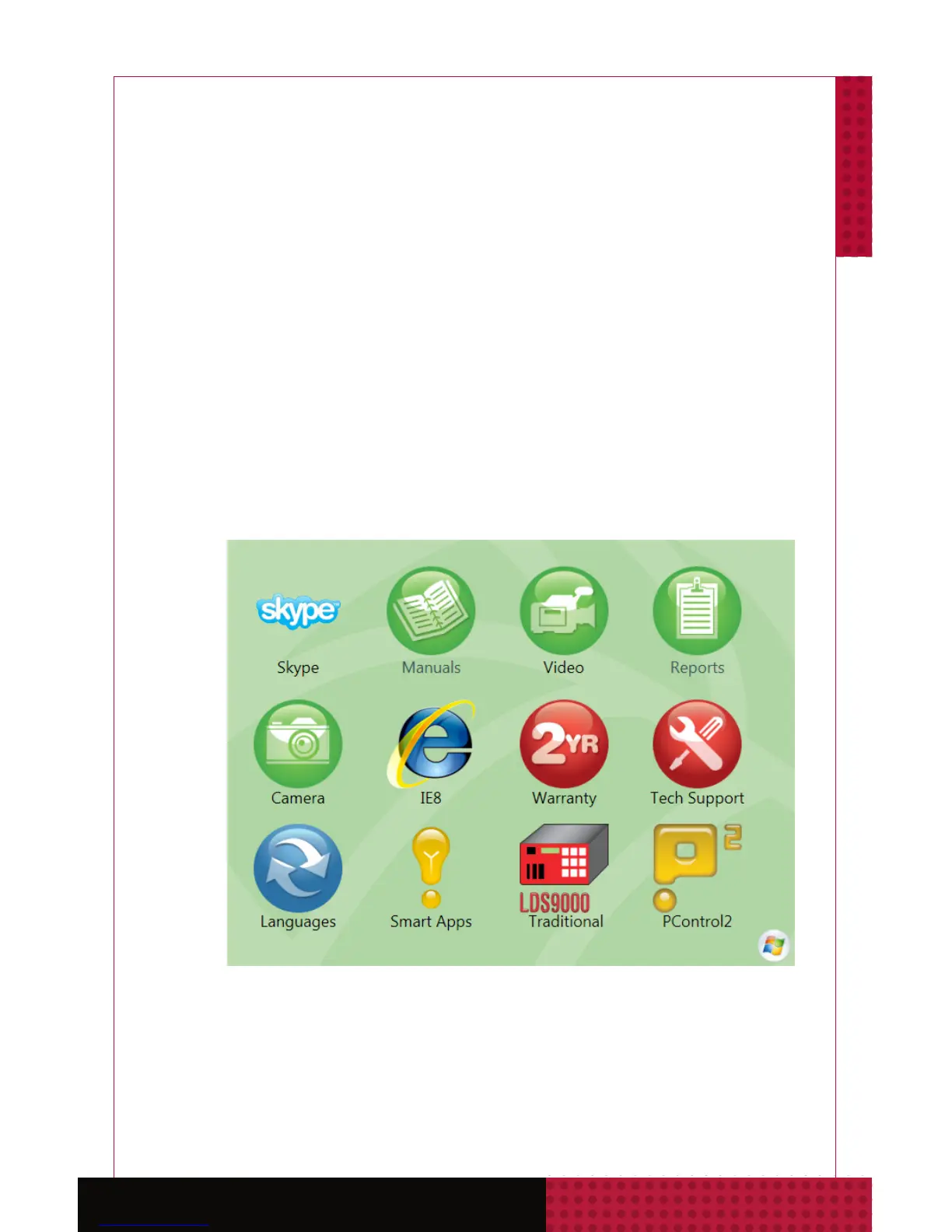
two minutes the Fishman Home Screen will
appear. From here you can navigate to all critical
apps and functions.



 To Next Page