25 Fishman Corporation USA Toll Free 1-800-433-2115
24
Fishman Corporation USA Toll Free 1-800-433-2115
9.0 “Priming Only” and
“Dispensing Only”
SmartDispenser
®
Setup
9.1
Insert USB Stick & Press Prime Done Again
9.2.1
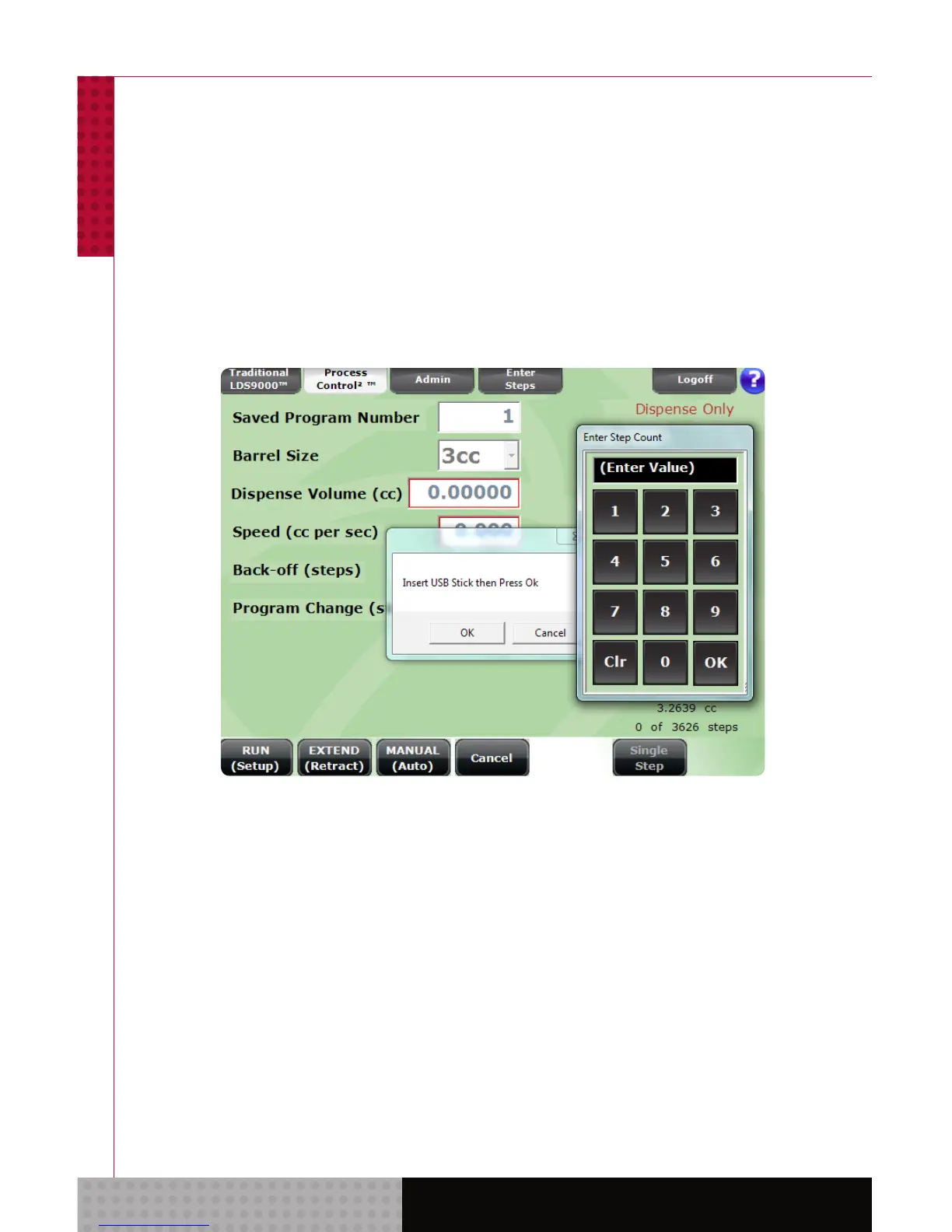
Tap/click the Prime Done button. You will be prompted
to insert a USB stick. Allow a few seconds for the
SmartDispenser
®
to recognize the stick and tap/click
the Prime Done button again. Enter the name of the
designated “Dispensing Only” only unit in the pop up
box and select OK.



 To Next Page