International +00 1 508-435-2115 www.shmancorp.com 26
International +00 1 508-435-2115 www.shmancorp.com
25
9.2.2
If you are providing a primed gun and data for one
“P-T-C Gun Mount Gun” in the automation system
skip to step 9.3.
NOTE:
If you are priming guns for multiple “P-T-C Gun Mounts” units it
is essential that the guns be labeled or marked in such a way that
they only be used with the designated “Dispensing Only” unit.
The saved step count information for each gun can vary slightly.
Optimal performance can only be achieved by matching the precise
step count for the dispense gun and syringe barrel to the specic
SmartDispenser
®
.
9.2.3
If you are providing primed guns for multiple “P-T-C Gun
Mounts” in the automation system return to step 9.2.1.
9.3
Dispense Only – USB Conguration
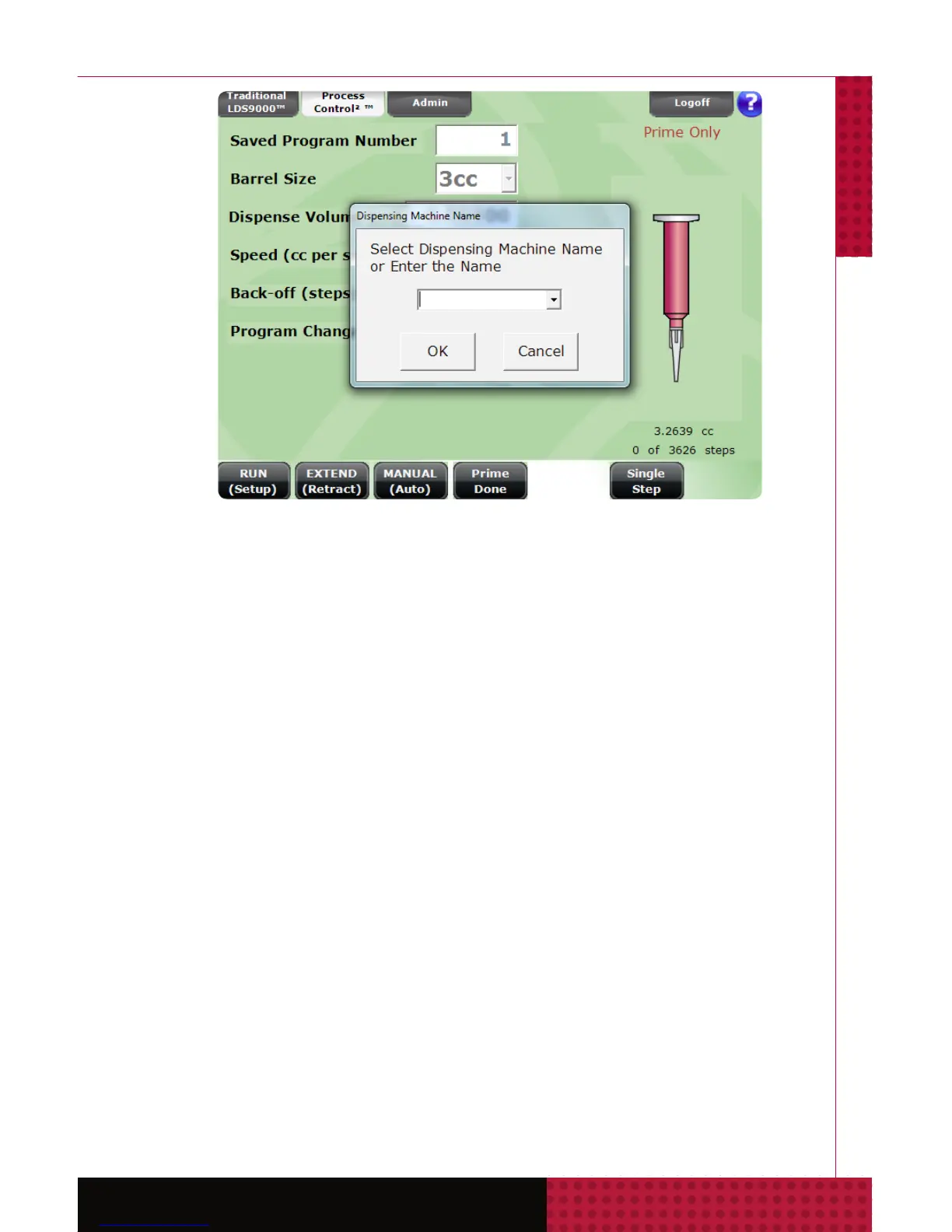
The “Dispense Only” unit can be set to either the
Traditional LDS9000
TM
or Process Control2
®
screen
with the selected dispense program. The step count in
the illustration on the right should be 0. Insert the USB
stick, allow a few seconds for the SmartDispenser
®
to recognize it and then click the Enter steps button.
Select O.K. and the step count will be transferred for
the designated dispensing gun.



 To Next Page