14 Fishman Corporation USA Toll Free 1-800-433-2115
4.6 Prime Only – USB Conguration
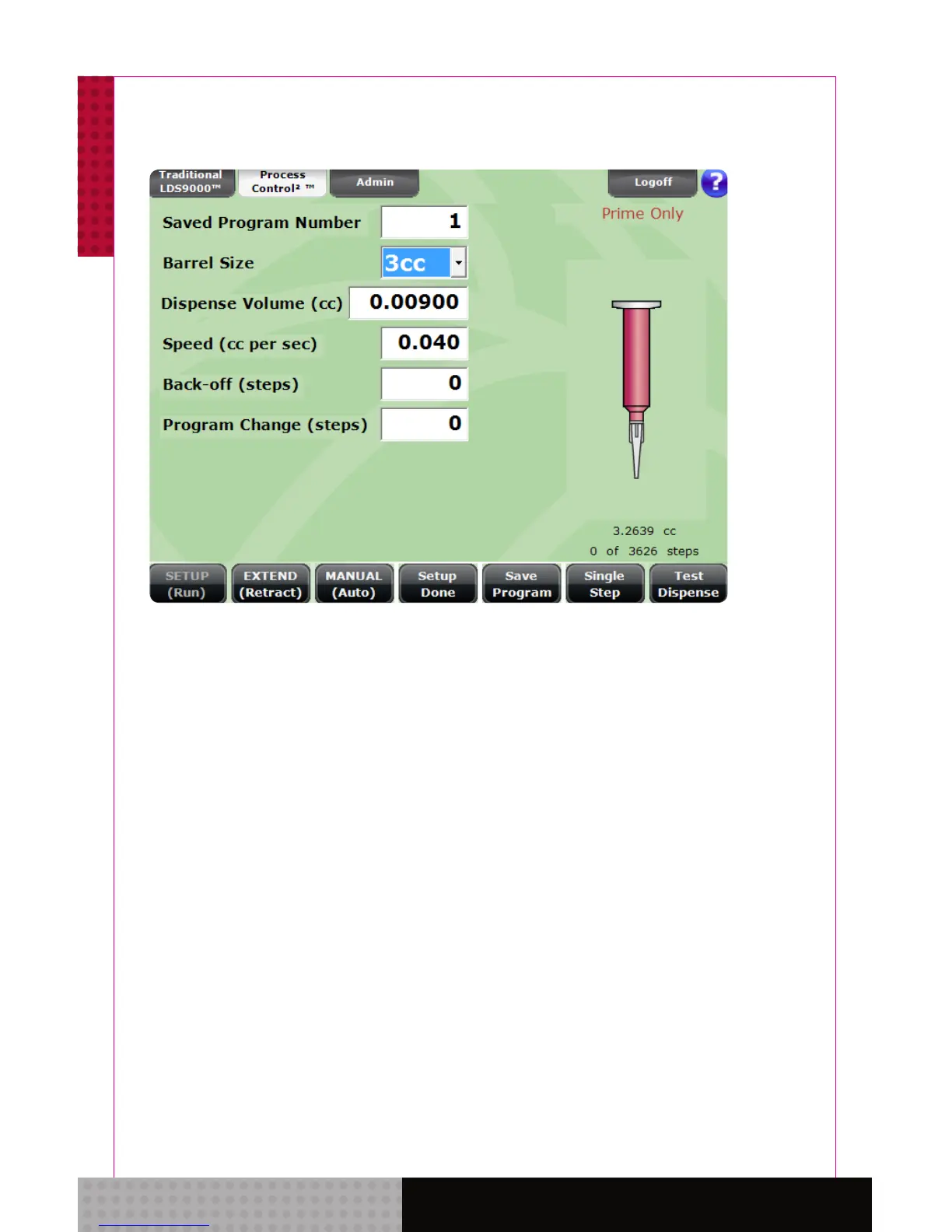
4.7 On the screen the words “Prime Only” will
be visible above the illustration of a lled
syringe barrel. First, select the same syringe
barrel size used on the SmartDispenser
®
in
the automation system units. Any Dispense
Volume can be chosen as you will only be
utilizing the MANUAL(Auto) setting. Select
a Speed setting that is approximately 25%
of the fastest rate. Be certain that the
dispensing gun is fully retracted, the step
count at “0” and the footer buttons set to
EXTEND(Retract) and MANUAL(Auto).
Note: “Prime Only” function is available exclusively in the
Traditional 9000 menu. “Dispense Only” function is
available in both Traditional 9000 and PC
2
menus.



 To Next Page